NotebookLM · Updated May 2026
A Student Guide to NotebookLM Audio Overviews and Podcasts
NotebookLM audio summaries are incredibly engaging, but are they safe? Learn how to study with audio overviews without missing critical details.
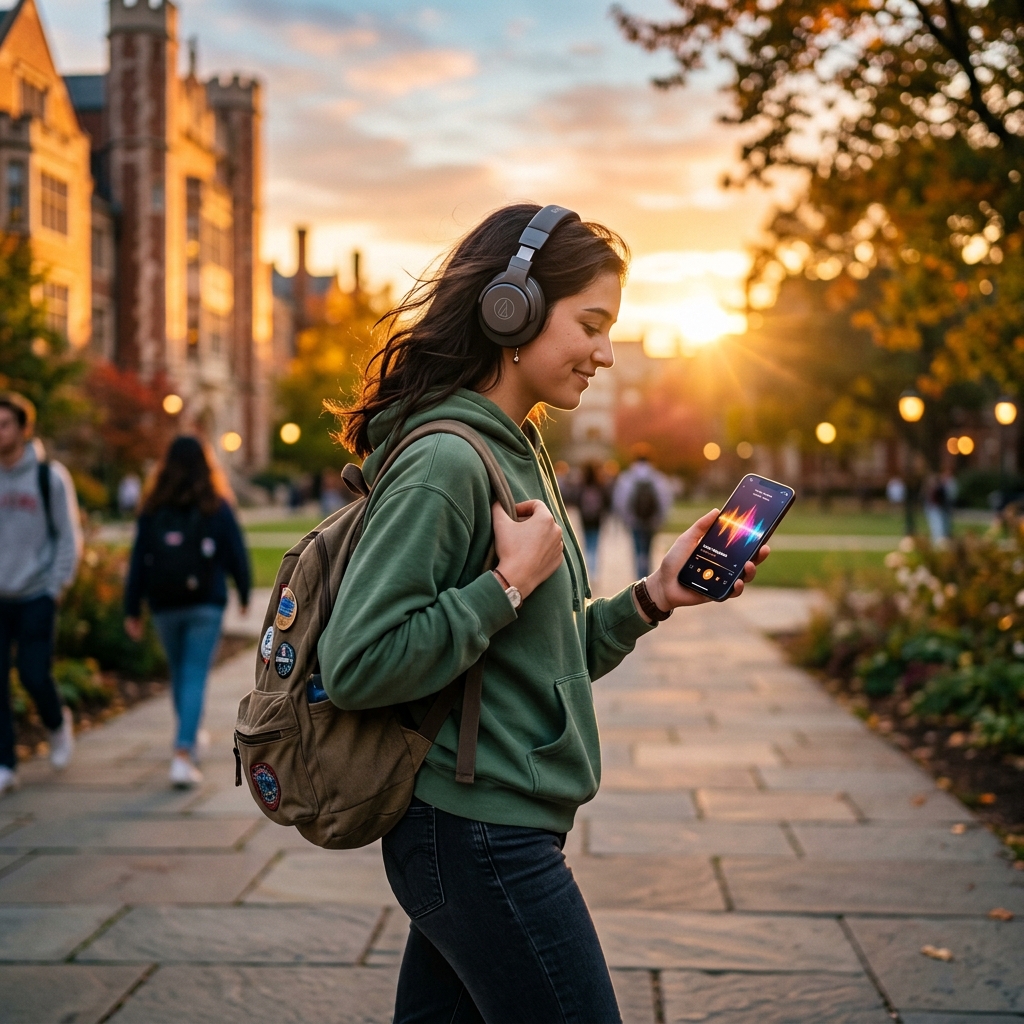
Google NotebookLM's "Audio Overviews" feature has transformed the way students review study materials. By uploading textbooks, lecture transcripts, and slide decks, you can generate a realistic, banter-filled AI podcast hosted by two virtual presenters who explain your source materials.
These audio overviews are highly engaging and make complex subjects feel approachable. However, relying on them as a primary study method carries significant risks. The AI hosts simplify concepts, omit mathematical formulas, and can miss critical academic constraints. The key is to treat them as introductory or review podcasts, while doing the deep reading and verification yourself.
Quick guide to active audio learning
- Never study passively: Do not listen to audio overviews like background music; take structured notes as you listen.
- Flag host simplifications: When the hosts use analogies, cross-reference them with the textbook to verify details.
- Map the audio timeline: Track key terms and definitions in your outline.
- Isolate focus: Block out room noise using active noise-cancelling headphones to concentrate on the complex audio details.
- Cross-examine sources: Check the original PDF text whenever the hosts make a surprising claim.
Audio study environments
Listening to complex academic topics requires intense concentration. Studying in noisy dorms, libraries, or cafes makes it easy to lose track of the audio flow. Using hybrid active noise-cancelling headphones blocks out ambient chatter, allowing you to stay focused on the detailed explanations and active recall steps.
Step 1 — Review the source document first
Before generating the audio overview, review the table of contents or main sections of your document. This gives your brain a mental map of what topics the hosts should cover.
Step 2 — Ask for a pre-audio key terms guide
Use NotebookLM's text workspace to summarize the main concepts before listening to the audio.
Summarize the top 5 most critical formulas, names, or dates in this source material. I want to read this list before I generate and listen to the Audio Overview.This prevents you from being misled if the AI hosts skip a crucial formula during their conversational banter.
Step 3 — Listen actively with a notepad
As you listen to the AI hosts, keep a study notepad open and divide it into two columns:
- Analogies / Claims Heard: Example: The cell membrane is like a security guard. · Textbook Verification / Formula: Checked Section 3.2: Confirmed semi-permeable lipid bilayer functions.
- Analogies / Claims Heard: Example: A historical treaty was signed to stop trade routes. · Textbook Verification / Formula: Checked original PDF: Confirmed treaty details and date of 1842.
This table forces you to connect the casual audio banter back to the exact academic definitions you will be tested on.
Step 4 — Check the original text for skipped details
Textbook details such as data tables, charts, and equations cannot be easily explained in a conversational podcast. After the audio completes, return to your original document and read the sections containing quantitative data or graphs.
Step 5 — Verify claims and search parameters
If the hosts make an interesting or controversial point, use the text chat inside NotebookLM to locate the exact page reference.
The audio hosts mentioned [concept/point]. Where in my uploaded documents is this claim supported? Give me the page number and a direct quote.This ensures you are basing your assignments on real source citations rather than AI-generated audio summaries.
Common audio study mistakes to avoid
* Listening at high speed without pause: Playing complex study podcasts at 1.5x or 2x speed reduces comprehension. Pause the audio whenever you need to write a note or look up a term.
* Replacing reading with listening: Audio overviews are designed to supplement, not replace, active reading. You must see the text and solve problems manually to build deep retention.
* Assuming the banter is completely factual: The AI hosts can occasionally describe relationships incorrectly. Always cross-check with your class materials.
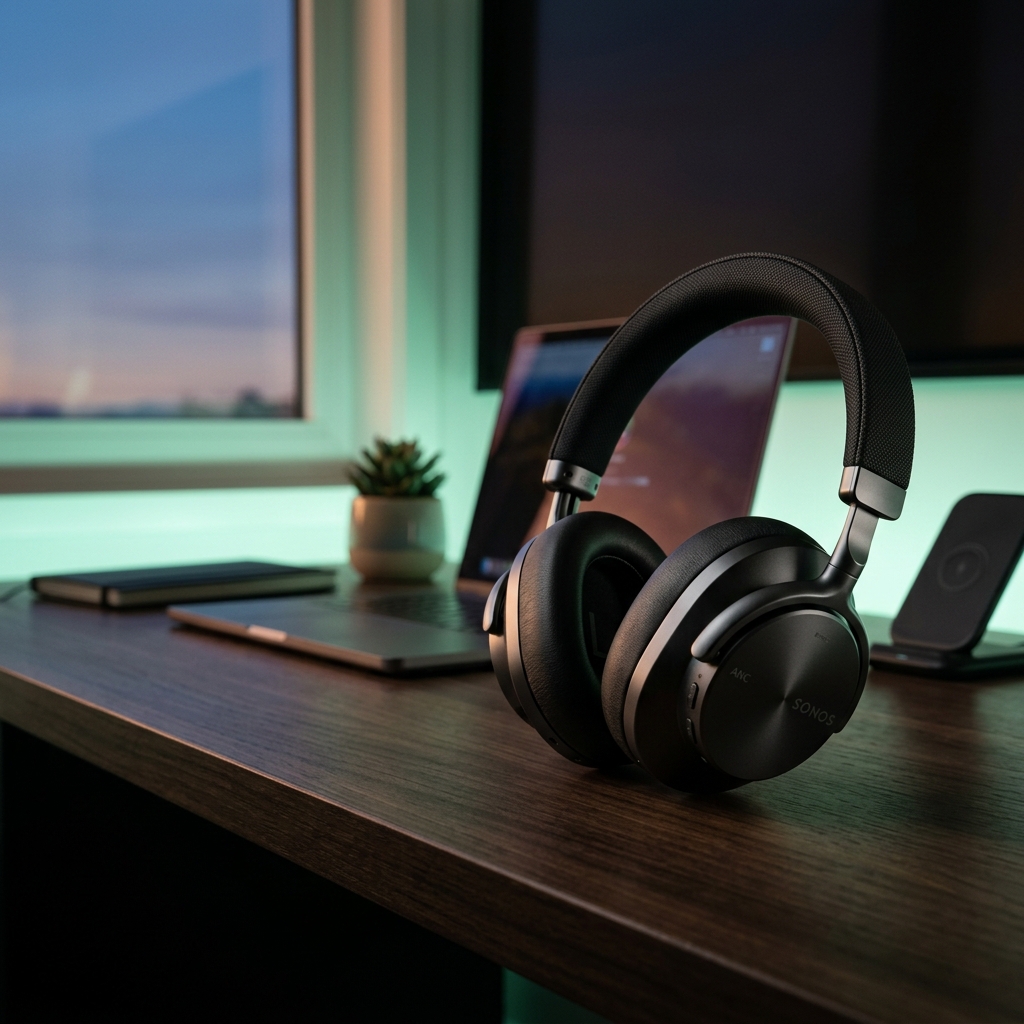
Soundcore Space Q45 Noise-Cancelling Headphones
Premium hybrid active noise-cancelling headphones. Ideal for study sessions in noisy dorms, libraries, or cafes, keeping your focus isolated on your learning.
AI Study Pilot receives a small commission from qualifying Amazon purchases at no extra cost to you.Disclosure: AI Study Pilot may add affiliate links later. We recommend free-first tools where possible and never promise guaranteed grades or outcomes.