AI note-taking workflow · Updated May 2026
AI Lecture Notes From Transcripts: A Safe Student Workflow
Lecture transcripts, captions, and rough notes can be messy. AI can help organize them into cleaner study notes, but only if you protect privacy, follow class rules, and turn the output into active recall instead of passive reading.

Quick answer
- Check permission before recording, transcribing, or uploading class material.
- Clean the transcript by removing private details and obvious transcription errors.
- Ask AI to organize the material into headings, key terms, examples, and open questions.
- Convert the notes into retrieval practice: questions, blank-page recall, and a next-review plan.
- Verify important facts against your syllabus, slides, textbook, or instructor guidance.
The best use of AI lecture notes is not to replace attendance or thinking. It is to make your own review session easier to start.
Why this is a strong student topic right now
Many students now have access to captions, lecture recordings, meeting transcripts, or AI note features through school-approved platforms. That makes a transcript workflow useful, but also risky: a transcript may contain classmates' names, personal examples, copyrighted course material, or content that was never meant to be uploaded elsewhere. If you're starting from a video rather than a text file, see how to summarize a YouTube lecture or video with AI for getting and summarizing the transcript safely.
Learning-center guidance still points back to the basics: good notes should help you identify main ideas, organize details, review soon after class, and test yourself. Cornell's note-taking system emphasizes cues, summaries, and review. The University of North Carolina Learning Center also recommends active listening, structured notes, and revisiting notes after class. AI can support those habits if you stay in control.
Helpful sources behind this workflow
- Cornell Learning Strategies Center: Cornell Note Taking System
- University of North Carolina Learning Center: Effective Note-Taking in Class
Step 1 — Check what you are allowed to use
Before you upload or paste anything, check the syllabus, learning management system, department policy, and instructor instructions. Some classes allow personal study notes but not redistribution of recordings. Others may limit AI tools, especially for clinical, legal, lab, or discussion-based courses.
If the rule is unclear, use a safer version: type your own short topic list from memory, remove identifying details, or ask AI for a note-taking template instead of uploading the transcript.
Step 2 — Clean the transcript before AI sees it
Automatic transcripts often include repeated words, wrong names, missing punctuation, and private classroom discussion. Clean first, then summarize.
| Before uploading | Safe action |
|---|---|
| Classmate names or personal stories | Delete or replace with neutral labels such as “student example.” |
| Instructor-only files or copyrighted packets | Do not upload unless your class explicitly allows it. |
| Messy captions with wrong technical terms | Mark uncertain terms so you can verify them later. |
| Long transcript from a full lecture | Split into sections by topic or timestamp for more accurate notes. |
Step 3 — Ask for organized notes, not a one-line summary
You are my study-note organizer. Use only the lecture material I provide. Do not add outside facts unless I ask for them. Organize this transcript into:
1. Main ideas
2. Key terms and definitions
3. Examples used in class
4. Steps, formulas, or processes
5. Points I should verify in the textbook or slides
6. Three questions I should ask myself before the next class

If a part of the transcript is unclear, label it “verify” instead of guessing.

Transcript or notes:
[paste allowed, cleaned material]
This prompt is safer than “make perfect notes” because it tells the tool to stay inside the provided material and label uncertainty.
Step 4 — Convert the output into Cornell-style review cues
For many courses, a useful note page has three parts: detailed notes, cues or questions, and a short summary. AI can help you draft those, but you should edit the questions so they match what your instructor emphasizes.
Turn these notes into a Cornell-style review page. Create a left column of cue questions, a right column of concise notes, and a bottom summary in 4 sentences. Make the cue questions test understanding, not just word matching. Do not include anything that is not supported by the notes.Step 5 — Build active recall from the notes
Clean notes are only the starting point. To learn the material, test yourself without looking. Ask the AI to quiz you one question at a time, then compare your answer with your class materials.
Create 12 active-recall questions from these notes. Mix definition, compare-and-contrast, process, example, and application questions. Ask one question at a time. Wait for my answer. If I am wrong, give a hint first, then explain which note section supports the correct answer.Make a 15-minute review plan from these notes. Include: 5 minutes of blank-page recall, 5 minutes of self-quiz questions, and 5 minutes to update an error log. Keep it realistic for a tired student after class.Step 6 — Verify facts before they become study material
AI can misread a transcript or make an uncertain sentence sound confident. Before you study from the notes, compare key facts with your textbook, slides, official problem solutions, or instructor-provided study guide. Pay special attention to formulas, dates, legal rules, scientific processes, vocabulary, and anything that affects a graded assignment.
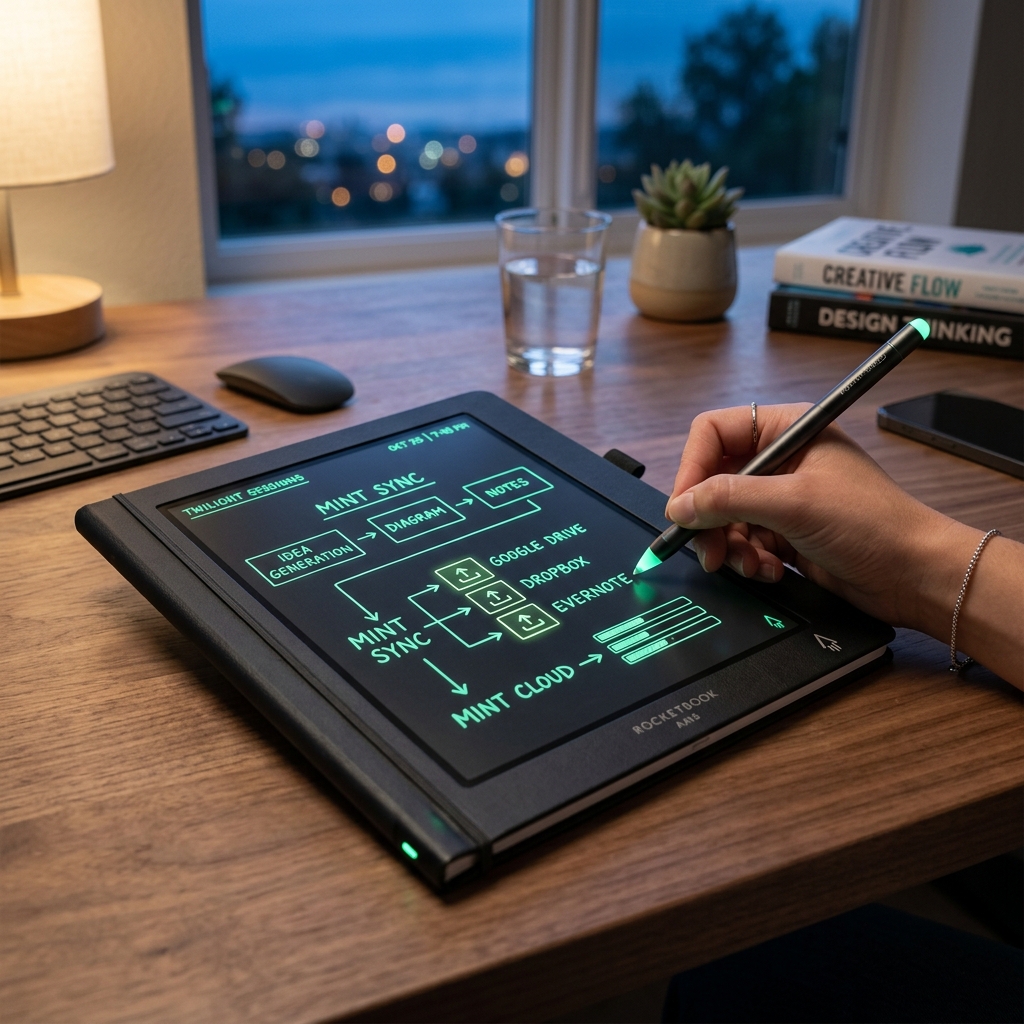
Rocketbook Smart Reusable Notebook
Eco-friendly, reusable physical notebook that digitizes and syncs your hand-written diagrams and notes directly to your favorite cloud storage for AI-assisted study.
AI Study Pilot receives a small commission from qualifying Amazon purchases at no extra cost to you.Common mistakes
Mistake 1: Uploading a full recording without permission
A class recording can include other people's voices and restricted course content. Permission matters even if the goal is studying.
Mistake 2: Treating a summary as studying
Reading an AI summary feels efficient, but it does not prove you can recall or apply the idea. Add questions, practice, and error review.
Mistake 3: Letting AI invent missing details
If the transcript is unclear, ask the tool to label uncertainty. Then verify with official course material.
Mistake 4: Keeping notes too long
A 20-page AI summary is not helpful if you never review it. Ask for focused headings, cue questions, and a short next-action list.
Mistake 5: Ignoring accessibility options
If you need captions, transcripts, or note-taking accommodations, work through your school's official accessibility process rather than relying only on a public AI tool.
FAQ
Is it okay to use AI on lecture transcripts?
It depends on your school's rules, your instructor's policy, and the content of the transcript. If allowed, remove private details and use AI for organization and practice, not for completing graded work.
Can AI replace taking notes in class?
No. AI can help clean and organize notes, but active listening, identifying emphasis, and asking questions are still part of learning.
What if the transcript has mistakes?
Tell the AI to mark unclear sections, then verify terms and facts with slides, textbooks, or instructor guidance before studying.
Should I upload slides with the transcript?
Only if your class policy allows it. If not, use topic names or your own notes instead.
What is the safest prompt style?
Ask AI to organize provided material, create cue questions, and label uncertainty. Avoid asking it to guess exam answers or produce graded submissions.
Final recommendation
Use AI lecture-note workflows as a cleanup and recall system. The winning pattern is simple: permission first, clean transcript second, organized notes third, and active recall every time.