Note-taking · Cornell system
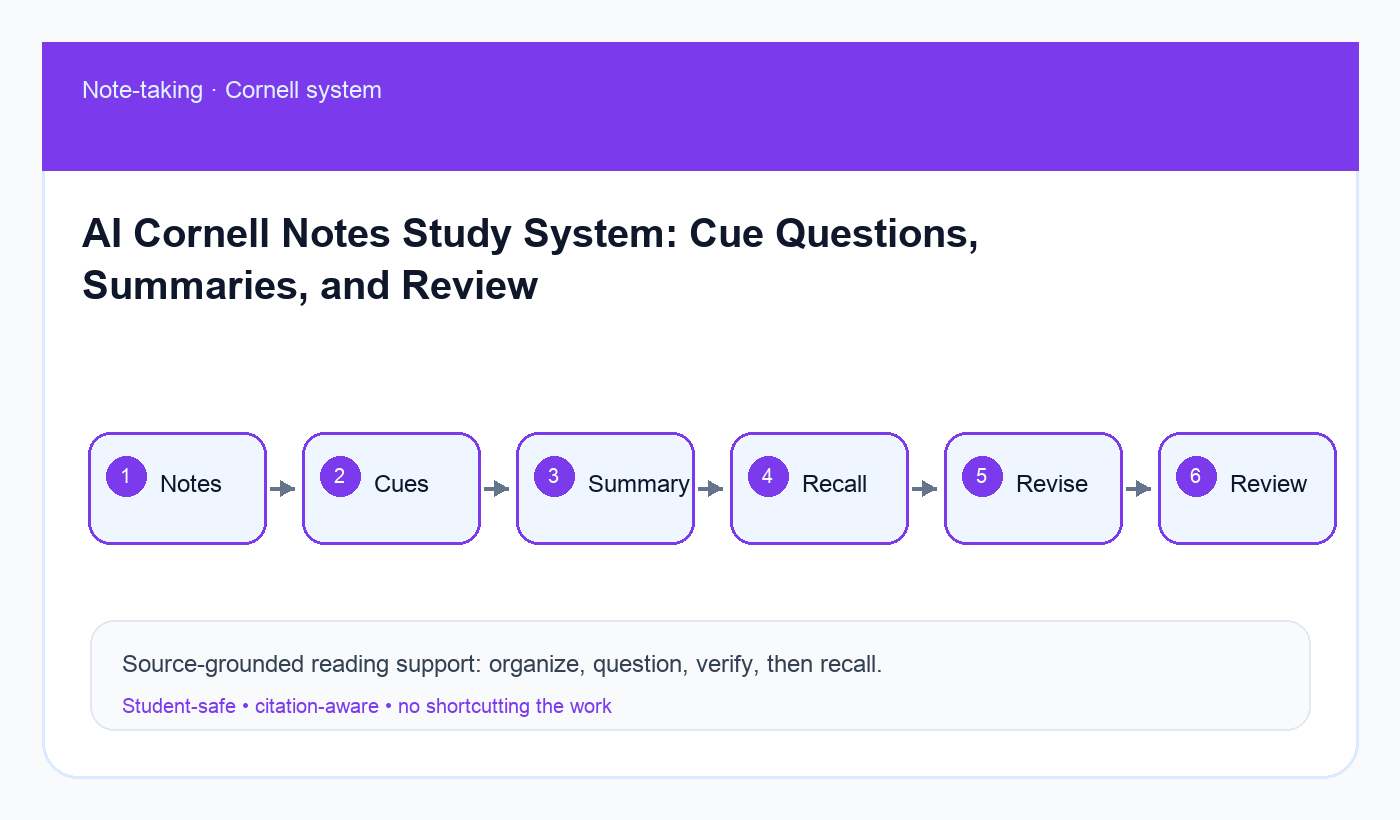
How to Use AI With Cornell Notes: A Safer Study System
A Cornell-notes workflow that turns lecture notes into cue questions, short summaries, active-recall drills, and weekly review blocks with AI support.
Quick answer
AI works best with Cornell notes when it helps after class: turn your raw notes into cue questions, identify missing definitions, suggest a short summary, and build review prompts. It should not invent what the instructor said or replace your own listening and note-taking. Keep the original notes, verify the AI summary, and use the cue column for active recall.
If your notes are messy, start with AI note-taking system for college students. If you prefer digital cleanup, use organize messy handwritten notes with AI. For review, connect Cornell cues to Anki and AI active recall.
What Cornell notes do well
Cornell notes split a page into notes, cues, and summary. The notes area captures the lecture. The cue column turns the lecture into questions. The summary forces you to explain the main idea in your own words. That structure is already AI-friendly because it separates raw material from review material.
The safest use of AI is not “rewrite my notes perfectly.” It is “help me create better questions from my notes.” Questions make the system active.
The AI-assisted Cornell loop
- Cornell section: Notes area · What you write: Lecture details, examples, diagrams · What AI can suggest: Organization and missing-term flags
- Cornell section: Cue column · What you write: Questions that test memory · What AI can suggest: Stronger recall questions
- Cornell section: Summary · What you write: Your short explanation · What AI can suggest: Clarity feedback and gaps
- Cornell section: Review · What you write: Answer cues without looking · What AI can suggest: Mixed quiz prompts and weak spots
Step 1: preserve the raw notes
Never overwrite the original notes with an AI-cleaned version. Keep a raw copy so you can see what was actually captured. AI may smooth messy notes into a confident but wrong explanation. Your raw notes are the evidence trail.
If you use a smart notebook or scanner, check OCR errors before asking for help. A single misread word can change a definition or formula.
Step 2: create cue questions
The cue column should not be a list of headings. Turn each chunk into a question you can answer from memory. “Photosynthesis” is weak. “What are the inputs and outputs of the light reactions?” is stronger. “Why does this example matter for the exam?” is stronger still.
AI can generate cue options quickly, but delete easy questions that only ask you to recognize a term. Keep questions that require explanation, comparison, steps, examples, or application.
Copy-ready prompt: Cornell cue builder
Act as a careful study coach. Use only my notes below. Do not invent lecture details or examples.

Course/topic:
[paste topic]

Raw notes:
[paste notes]

Create Cornell-style output:
1. Cleaned notes organized by topic, preserving uncertainty.
2. Cue-column questions for each section.
3. A 4-sentence summary written at a student level.
4. Missing or unclear items to verify.
5. Five active-recall prompts for tomorrow.

Label anything not supported by my notes as CHECK WITH SOURCE.
Step 3: write your own summary first
Before reading the AI summary, write your own bottom-of-page summary. Then compare. If AI says something clearer, borrow the structure but keep your own wording. If AI adds claims that are not in your notes, mark them as verification tasks.
This protects your voice and helps you learn. The act of summarizing is part of studying.
Step 4: review with a delay
Cornell notes become powerful when you revisit them. After class, generate cues. The next day, hide the notes area and answer the cue questions. At the end of the week, ask AI to mix cue questions across multiple lectures and identify patterns in your misses.
For exam week, move persistent misses into the AI exam prep system so they become practice questions and flashcards.
Common mistakes
- Asking AI to create notes from a topic title instead of your real class notes.
- Keeping too many easy cue questions.
- Replacing your own summary with polished AI wording.
- Forgetting to verify unclear lecture points.
- Reviewing immediately only, then never returning.
Final recommendation
Use AI to strengthen the Cornell system’s best feature: cue questions. Keep raw notes, write your own summary, verify gaps, and turn the cue column into repeated active recall.
Disclosure: AI Study Pilot may add affiliate links later. We recommend free-first tools where possible and never promise guaranteed grades or outcomes.