Flagship guide · AI note-taking system
AI Note-Taking System for College Students: Capture, Clarify, Recall
A practical AI note-taking system for capturing class material, clarifying it, and turning it into active recall without outsourcing learning.
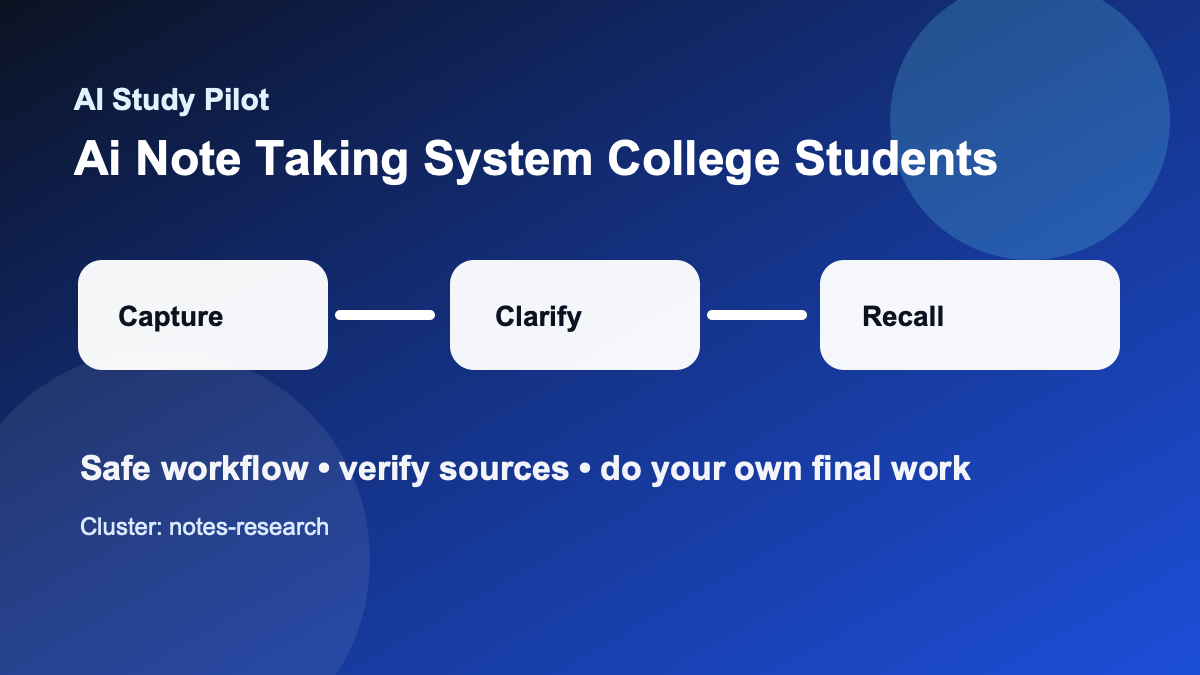
Quick answer
A strong AI note-taking system has four repeatable stages: capture the source faithfully, clarify confusing parts, connect ideas across lectures and readings, and convert the final notes into active-recall practice. The AI should not be the source of truth. Your lecture, textbook, slides, discussion notes, and instructor comments are the source of truth; AI is the organizer and question generator.
Use this system when your notes are scattered across slides, handwriting, transcripts, PDFs, and screenshots. If the main source is a video, start with the YouTube lecture summary workflow. If the main source is a PDF, use the student PDF summarizer workflow before you build the master note.
The goal is not prettier notes. The goal is a reliable review loop: one page of core ideas, one list of weak spots, and one set of questions you can answer without looking.
Academic integrity guardrails
Use this workflow to understand, plan, practice, and check your own work. Do not use it to generate answers for locked quizzes, bypass course policies, submit uncited AI writing as your own, or replace assigned reading entirely. If your instructor gives stricter rules, follow those first. When you paste material into any tool, remove private information and use the AI privacy checklist first.
The safest pattern is simple: bring your own course material, ask for organization or practice, verify the output against the source, then write or solve the final version yourself. If the model sounds confident but you cannot trace the answer back to your notes, textbook, or a credible source, treat it as a lead to check rather than a fact to trust.
The four-layer system
Most students ask AI for a summary and stop. That feels productive, but it often creates passive notes that are easy to skim and hard to remember. A better system separates the job into four layers.
- Layer: Capture · Student job: Record what was actually taught · AI job: Clean formatting and label sections · Output: Trustworthy raw notes
- Layer: Clarify · Student job: Mark confusing terms and steps · AI job: Explain in simpler language with source anchors · Output: Confusion list
- Layer: Connect · Student job: Link lectures, readings, and examples · AI job: Build concept map and compare ideas · Output: Connected study sheet
- Layer: Recall · Student job: Practice without looking · AI job: Generate questions and answer checks · Output: Flashcards and mini quizzes
This matters because each layer has a different risk. Capture mistakes create fake notes. Clarification mistakes create fake understanding. Connection mistakes create weak exam essays. Recall mistakes train the wrong answer. Keeping the layers separate makes the system easier to audit.
Copy-ready prompt: turn messy notes into a study system
You are my note-organization assistant. I will paste class notes and source excerpts. Your job is to organize and question me, not to invent missing content.

Rules:
- Use only the material I provide unless I explicitly ask for outside background.
- If a point is unclear, label it CHECK NOTES instead of guessing.
- Preserve instructor terms, definitions, formulas, dates, and named examples.
- Separate direct source content from your explanation.
- End with active-recall questions I can answer without looking.

My course/topic:
[paste course and topic]

Raw notes/source excerpts:
[paste notes]

Output:
1. A clean outline with headings.
2. A table of confusing or incomplete points.
3. A concept map in bullet form.
4. Ten active-recall questions, grouped easy/medium/hard.
5. A 15-minute review plan for tonight.
Step 1: capture before you summarize
Before you ask for a summary, save the raw material. Keep the original file, photo, transcript, or typed note. AI summaries are lossy: they compress details, smooth over uncertainty, and sometimes replace exact instructor wording with generic language. Raw capture protects you when you need to verify.
For typed notes, paste one lecture at a time. For handwritten notes, transcribe the unclear parts yourself before asking AI to clean them. For lecture transcripts, include timestamps where possible. For slides, paste the slide titles and your own comments, not just screenshots. This creates enough context for AI to organize without pretending to know what happened in class.
A good capture file has labels such as Lecture 5, Textbook chapter 8, Instructor example, and My question. These labels make later review much easier because you can ask, “Which points came from lecture versus reading?”
Step 2: clarify without letting AI bluff
Clarification is where AI can help a lot, but it is also where hallucinations sneak in. Ask for explanations only after you mark the exact parts you do not understand. Good clarification prompts say, “Explain line 12 in plain language” or “What does this term mean in the context of my notes?” Weak prompts say, “Teach me this chapter,” which invites the model to invent a mini textbook.
For every explanation, require a confidence label:
SOURCE-BASED: clearly supported by your notes.LIKELY BACKGROUND: helpful context, but not directly in your notes.CHECK: uncertain, missing, or possibly wrong.
This small labeling habit turns AI from a false authority into a useful study partner. It also makes office hours easier because you can bring a focused list of CHECK items instead of saying, “I do not understand anything.”
Step 3: connect lectures, readings, and practice
After two or three classes, your notes become more valuable if you connect them. Ask AI to identify repeated ideas, cause-and-effect relationships, contrasts, and examples. In humanities classes, that may mean arguments, themes, evidence, and counterarguments. In science classes, it may mean definitions, mechanisms, assumptions, and worked examples. In exam-prep mode, it means “What could my instructor ask about this?”
Do not accept vague concept maps. A useful connection says, “Lecture 4’s definition of X explains why the reading criticizes Y.” A weak connection says, “X and Y are related.” Push the model to quote the notes or point to the source section.
Step 4: convert notes into retrieval practice
Notes become learning when you try to recall them. End each note session with questions: definitions, explain-why prompts, compare-and-contrast prompts, and mini problems. You can export the best ones into the AI flashcards from notes workflow or build a larger study guide from notes.
A simple rule: if you cannot answer a question without looking, the notes are not done. Mark the weak answer, reread the source, and ask AI for a smaller hint rather than the final answer.
Weekly checklist
- Save raw notes before summarizing.
- Label source type and date for every note.
- Ask AI to mark uncertainty instead of guessing.
- Convert each lecture into at least five recall questions.
- Merge repeated ideas into one weekly study sheet.
- Bring unresolved
CHECKitems to office hours or discussion section. - Delete or rewrite any AI sentence you cannot verify.
Common mistakes
The biggest mistake is treating a polished summary as proof of learning. A second mistake is mixing multiple sources without labels, which makes verification almost impossible. A third mistake is asking for “complete notes” from a bare lecture title. AI cannot know your instructor’s emphasis unless you provide the actual source.
Students also over-save. They keep every AI output, then never review it. Keep the final system lean: raw notes, cleaned outline, confusion list, recall questions, and weekly study sheet. Anything else should earn its place.
Where to go next
If this guide helped, pair it with the AI study system for college students, the AI hallucination checklist, and the AI study safety checklist. For exam-heavy weeks, move from planning into the 7-day AI exam plan, the AI flashcards workflow, or the practice exam from notes guide.
FAQ
Can AI do this whole process for me?
No. The point is to make your learning process clearer, not to outsource it. AI can structure messy information, ask questions, and suggest next steps, but you still need to read, practice, verify, and create the final work.
What if the AI output looks wrong?
Assume it might be wrong. Ask the tool to quote the exact source line it used, compare it with your original notes or reading, and mark anything uncertain as CHECK. Use the citation audit checklist when sources are involved.
Should I tell my instructor I used AI?
Follow your course policy. When disclosure is required or helpful, keep it plain: say which tool you used, what you used it for, and which parts of the work are your own. Do not hide AI use when the policy asks for disclosure.
Disclosure: AI Study Pilot may add affiliate links later. We recommend free-first tools where possible and never promise guaranteed grades or outcomes.