Flagship guide · Updated June 2026
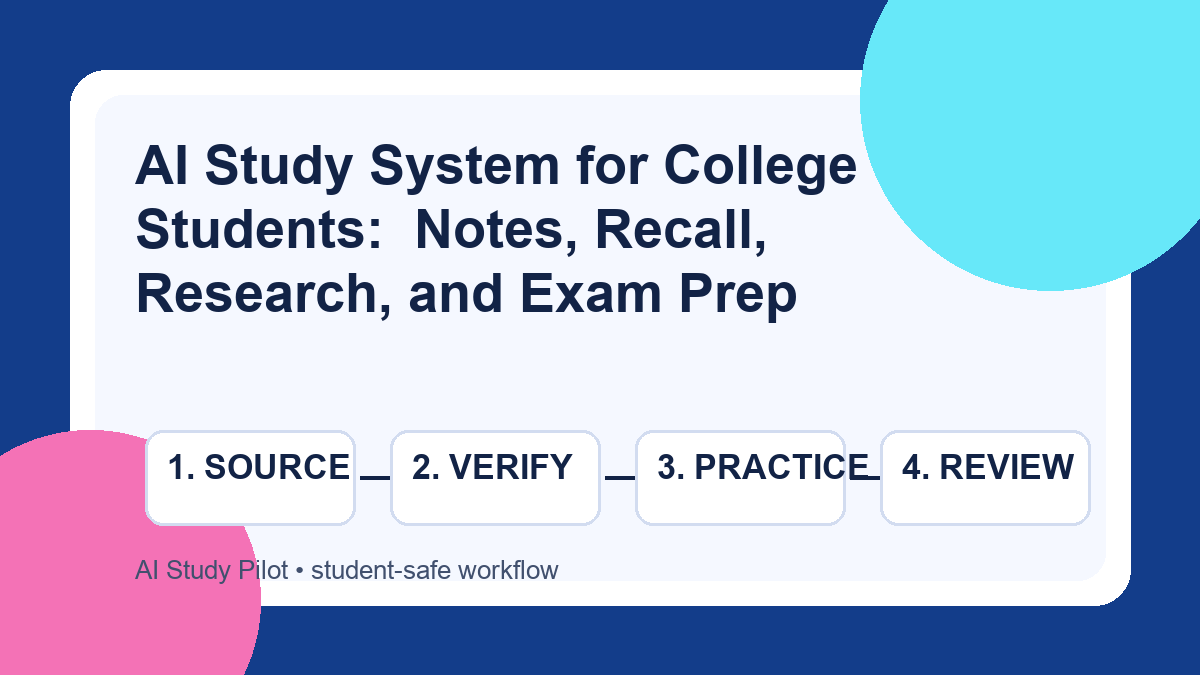
AI Study System for College Students: Notes, Recall, Research, and Exam Prep
Build a complete, honest AI study system for college: organize notes, verify summaries, make flashcards, practice exams, and weekly reviews without outsourcing your learning.
Introduction
Most students do not need a dozen random AI tricks. They need a repeatable study system that turns class material into understanding, memory, and exam performance without crossing academic-integrity lines. The best system is not "ask AI for the answer." It is a loop: capture the source, organize it, verify it, quiz yourself, review what you missed, and improve next week.
This guide gives you that full loop. It is designed for college students using free-first tools such as ChatGPT, Claude, Gemini, NotebookLM, Google Docs, Anki, or any notes app you already use. The tool names matter less than the workflow. If you can paste your own notes, ask precise questions, and check the output against your course materials, you can build a reliable AI-assisted study stack.
Quick answer
Use AI as a study assistant in five stages: capture your notes and readings, organize them into a clean study guide, verify uncertain details, practice with flashcards and questions, then review your weak spots each week. Keep your own sources in the loop, never submit AI output as your work, and do the final reasoning yourself. If a step creates something you will submit for a grade, use AI only for brainstorming, feedback, or checking — not replacement writing.
The system at a glance
Think of your semester as a pipeline, not a pile of files:
- Class material in: lecture notes, slides, readings, transcripts, problem sets, rubrics.
- AI-assisted organization: summaries, outlines, concept maps, missing-topic lists.
- Verification: compare against the original material and flag anything uncertain.
- Active recall: flashcards, self-tests, practice questions, teach-back drills.
- Weekly review: decide what to keep, rework, or ask your instructor about.
That sequence is why this system is safe and useful. AI helps you move faster through organization and practice, while you stay responsible for judgment, verification, and final work.
Step 1: Build a course source folder
Before you ask AI anything, gather the source material. Make one folder per course and keep it boring: syllabus, lecture notes, PDFs, slides, assignment rubrics, and any transcript you are allowed to use. This avoids the biggest AI study problem: vague prompts that invite vague answers.
If your material is scattered, start with our guide to organizing a semester syllabus with AI. For handwritten notes, use the workflow for turning messy handwritten notes into organized study material. For videos, pull the transcript first with the YouTube lecture summary workflow.
Step 2: Convert raw notes into a study guide
Once you have sources, ask AI to structure them. Do not ask for "everything I need to know." Ask for a study guide that stays anchored to your notes and marks uncertainty. The goal is a map of the course material, not a substitute textbook.
You are helping me organize my own class materials into a study guide.
Use only the notes/readings I paste below. If something is unclear, write
CHECK THIS instead of guessing.

Course: [course name]
Exam/unit: [unit]
My sources: [lecture notes, slides, reading notes, etc.]

Create:
1. A one-paragraph overview of the unit.
2. 6-10 key concepts with plain-language explanations.
3. A section called "What I must be able to do" with skills/tasks.
4. A section called "Likely weak spots" based on confusing or thin notes.
5. 8 self-test questions, with answers hidden under each question.
6. A CHECK THIS list for missing, uncertain, or contradictory points.

Do not add outside facts unless I explicitly ask for them later.
For a deeper version, use the full AI study guide from notes workflow.
Step 3: Verify before you memorize
Verification is the part that turns AI output from convenient into dependable. Skim the AI guide against your original notes. Check definitions, formulas, names, dates, and exceptions. If your prompt produced a CHECK THIS list, resolve it before you study from the guide. If you cannot resolve it, bring the exact question to office hours or your study group.
This matters because AI can sound fluent even when a source was incomplete or a transcript was garbled. Our privacy checklist is also worth using before uploading class materials, especially private lectures, student data, or unpublished instructor content.
Step 4: Turn the guide into active recall
Re-reading the guide is the weakest part of the system. Convert it into prompts that force retrieval. Start with flashcards for terms and processes, then add short-answer questions and practice problems. Use the AI flashcards from notes workflow or Anki active recall guide if you want spacing.
Turn this verified study guide into active-recall practice.
Create three groups:
1. Basic recall flashcards for definitions and terms.
2. Application questions that require using the idea in a new example.
3. Error-check questions where I must identify a mistaken explanation.

For each item, include a short correct answer and one note on why it matters.
Do not create questions from anything marked CHECK THIS.
Step 5: Add a weekly review loop
Once a week, look at what you missed. Ask AI to help categorize errors: forgotten term, confused concept, careless mistake, weak reading, or unclear notes. Then decide one action: rewrite a section, make harder questions, ask a professor, or schedule a focused review block. This keeps the system from becoming a pretty folder of unused summaries.
Safe use boundaries
This system is for learning support. It is not for asking AI to complete graded work, bypass course rules, solve locked quizzes, or generate a paper to submit. If you are unsure, read is it cheating to use AI for schoolwork?. A simple test: if you would be uncomfortable explaining the AI step to your instructor, change the step.
Common mistakes
- Starting with the chatbot instead of the source. Your notes, readings, and rubrics should drive the output.
- Memorizing unverified summaries. Always resolve CHECK THIS items first.
- Making only easy flashcards. Add application and error-check questions.
- Using too many tools. One notes app, one AI assistant, and one recall system is enough.
- Skipping the weekly review. Without a review loop, mistakes repeat.
FAQ
What is the best AI tool for this system?
Use the tool you can operate consistently. ChatGPT, Claude, Gemini, and NotebookLM can all help with organization and practice. For source-grounded work, NotebookLM can be useful when your sources are appropriate to upload. For broader tool choices, see our best free AI tools for students.
Can AI replace tutoring?
No. AI is helpful for organization, practice, and explanations, but it cannot know your course expectations perfectly. Use office hours, tutors, and classmates for high-stakes confusion.
How often should I run the system?
Lightly after each class, deeply once a week, and intensively before exams. The weekly review is the minimum that keeps it alive.
Final recommendation
Build one course folder, one verified study guide, one active-recall deck, and one weekly review habit. That is enough to make AI useful without turning studying into tool-hopping. Keep the source material visible, verify important facts, and make the final thinking yours.
Disclosure: AI Study Pilot may add affiliate links later. We recommend free-first tools where possible and never promise guaranteed grades or outcomes.