AI flashcards · Updated May 2026
How to Make AI Flashcards From Notes: A Student Workflow That Works
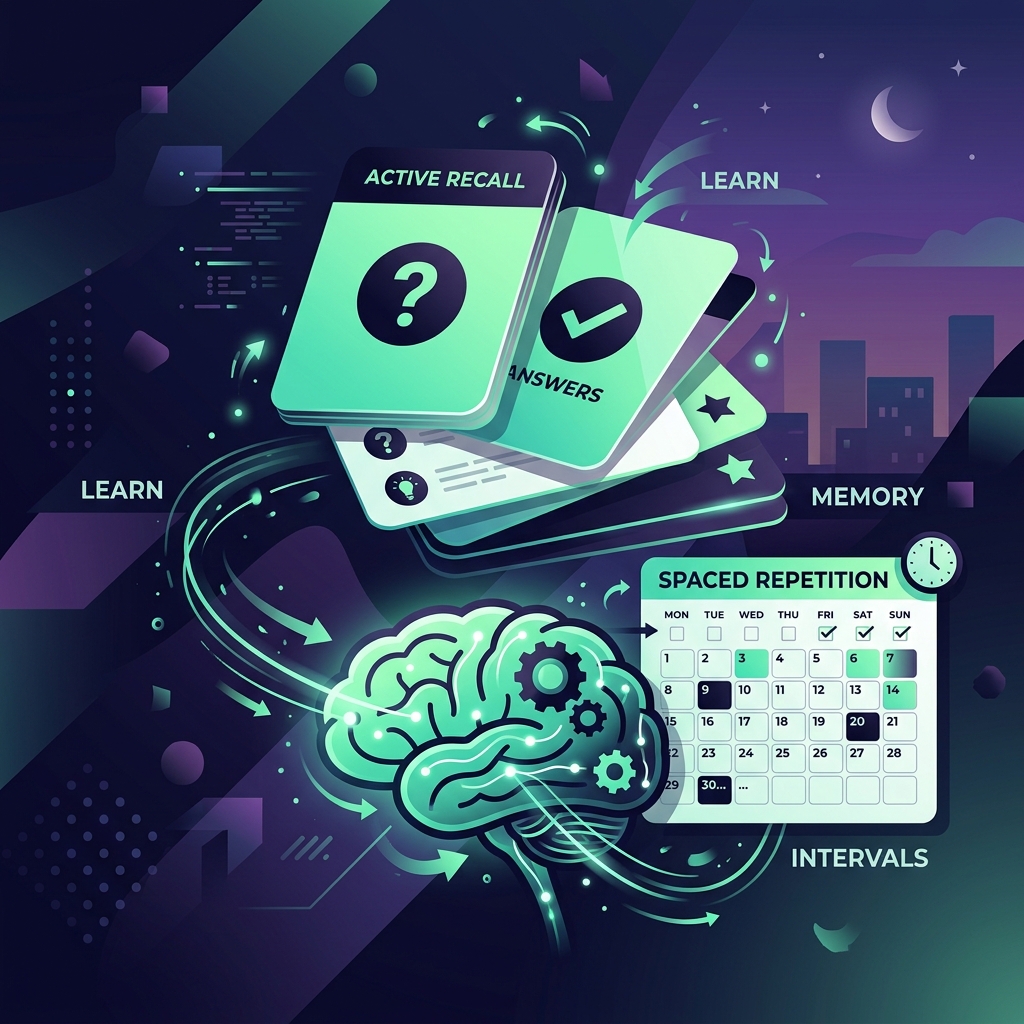
AI can make flashcards quickly, but speed is not the same as memory. This guide shows students how to generate, check, improve, and review AI flashcards without trusting bad cards blindly.
Introduction
AI can turn class notes into flashcards in seconds. That sounds perfect — until you realize some of those cards are vague, too broad, duplicated, wrong, or so easy that they only test recognition instead of recall.
The goal is not to make more cards. The goal is to remember more of the right material.
A good AI flashcard workflow has two halves:
- Use AI to create a fast first draft from your notes.
- Use your brain, sources, and a spaced-repetition app to turn that draft into reliable study material.
This guide shows you how to make AI flashcards from notes without blindly trusting the output. You’ll learn what makes a good card, which tools fit different students, how to fix weak cards, and how to review them so they actually help before exams. Flashcards work best once your material is organized — if your notes are still a pile, start by making a study guide with AI and pull the key terms from there.
Quick answer: the best AI flashcard workflow
If you only need the short version, use this six-step workflow:
- Clean your notes so the AI has one topic, clear headings, and no unrelated material.
- Generate flashcards from one small section at a time.
- Check every card against the original notes, slides, reading, or textbook.
- Split broad cards into smaller active-recall cards.
- Add examples, context, or common traps for confusing facts.
- Review the cards with spaced repetition in Anki, Quizlet, NotebookLM, RemNote, paper cards, or another system.
The most important step is number 3. AI flashcards are drafts, not truth.
What makes a good flashcard?
A good flashcard makes your memory work. It should be clear enough to answer, small enough to remember, and specific enough to check.
One idea per card
Bad card:
Q: Explain photosynthesis.
A: Photosynthesis is how plants use sunlight, water, and carbon dioxide to make glucose and oxygen in chloroplasts using light-dependent reactions and the Calvin cycle.
Better cards:
Q: What are the main inputs of photosynthesis?
A: Light energy, water, and carbon dioxide.

Q: What are the main outputs of photosynthesis?
A: Glucose and oxygen.

Q: Where does photosynthesis happen in plant cells?
A: In chloroplasts.
One idea per card helps you find the exact thing you do not know.
Clear question
A vague question creates a vague memory.
Weak:
Q: Mitosis?
A: Cell division.
Stronger:
Q: What is the purpose of mitosis in body cells?
A: To produce two genetically identical daughter cells for growth, repair, or replacement.
Short answer
If the answer is a paragraph, it probably needs to become several cards. Short answers are easier to review and easier to grade honestly.
Active recall, not recognition only
Recognition is “I know it when I see it.” Recall is “I can produce it without looking.” Flashcards should make you retrieve the answer before seeing it.
Instead of:
Q: Is the mitochondrion the powerhouse of the cell?
A: Yes.
Use:
Q: Which organelle is commonly described as producing most of the cell’s usable energy?
A: The mitochondrion.
Source or context for tricky facts
For facts that are easy to mix up, add context.
Q: In our lecture notes, which hormone lowers blood glucose by helping cells take up glucose?
A: Insulin.
Source/context: Endocrine system lecture, glucose regulation diagram.
This helps you verify the card later and avoid studying a hallucinated fact.
Best tools to turn notes into flashcards
There is no single best AI flashcard tool for every student. Choose based on your source material, review style, and how much control you need.
NotebookLM — best for source-grounded study aids from uploaded material
NotebookLM is useful when your class notes, PDFs, slides, and readings are the center of the study session. Google’s NotebookLM help page says users can generate flashcards or quizzes from notebook sources in the Studio panel, customize difficulty, add prompt preferences, choose card quantity, get explanations, track progress, and download flashcards as a CSV.
Use NotebookLM when:
- You want flashcards based on a specific notebook of sources.
- You need to study a class packet, reading list, or PDF set.
- You want quizzes and explanations alongside the cards.
- You want to export cards for further editing.
Do not skip verification. Source-grounded does not mean perfect.
Quizlet AI Flashcard Generator — best for easy studying and sharing
Quizlet is popular because it is easy to use, familiar to many students, and built around quick study modes. Its AI flashcard generator can be useful for turning pasted notes into a study set.
Use Quizlet when:
- You want a simple interface.
- You already study with Quizlet.
- You want easy sharing with classmates where allowed.
- You prefer a less technical setup than Anki.
Anki — best for long-term spaced repetition and serious exam prep
Anki is not mainly an AI generator. It is a spaced-repetition system. The Anki manual explains the value of active recall: you see a question, try to retrieve the answer, then check yourself. It also uses scheduling to show cards again over time, with harder cards returning sooner.
Use Anki when:
- You are preparing for cumulative exams, language learning, medical terms, law definitions, coding syntax, or any subject that requires long-term recall.
- You want control over card types, cloze deletions, tags, and review intervals.
- You are willing to spend a little more time editing cards for quality.
A strong workflow is: generate draft cards with AI, clean them manually, then import or copy the best ones into Anki.
Other tools worth considering carefully
Tools such as RemNote, Knowt, StudyFetch, Gizmo, Ankify, or Snapcards may also fit specific workflows. Mention them only if you verify current features, limits, and pricing. Avoid fake reviews. If AI Study Pilot has not tested a tool, say so clearly.
Step-by-step: turn lecture notes into flashcards
Step 1 — Prepare the source material
AI works better when your input is clean. Before generating cards:
- Remove unrelated lecture sections.
- Keep headings and subheadings.
- Add missing context if your notes are shorthand.
- Mark important formulas, definitions, dates, or exam warnings.
- Split long PDFs or lecture decks into one topic at a time.
Weak input:
lecture 6 stuff: enzymes, denature, temp, active thing, pH, quiz maybe, prof said know graphBetter input:
Topic: Enzymes
Important terms: enzyme, active site, substrate, activation energy, denaturation
Exam warning: Professor said we need to interpret pH/temperature activity graphs.
Notes: Enzymes lower activation energy. The active site binds the substrate. High temperature or extreme pH can denature the enzyme and change the active site shape.
Step 2 — Ask AI for first-pass cards
Use AI for a first draft, not a final deck.
Turn the notes below into active-recall flashcards. Follow these rules:
- One idea per card.
- Clear question, short answer.
- Include source/context when a fact is easy to mix up.
- Do not invent facts not in the notes.
- Mark any uncertain card as “Needs verification.”

Notes:
[paste one section]
Generate cards from one topic at a time. If you paste an entire semester of notes, you will get a messy deck.
Step 3 — Remove weak cards
Delete or rewrite cards that are:
- Too broad.
- Too vague.
- Duplicated.
- Based on facts not in the source.
- Easy yes/no recognition questions.
- Answers you could not grade clearly.
- Cards that combine three facts at once.
A smaller high-quality deck beats a giant deck you dread opening.
Step 4 — Convert definitions into active recall
Definitions are useful, but exams often ask you to apply ideas.
Definition-only card:
Q: What is denaturation?
A: A change in a protein’s shape that affects its function.
Application card:
Q: Why can high temperature reduce enzyme activity?
A: It can denature the enzyme, changing the active site so the substrate no longer binds effectively.
Comparison card:
Q: How are active site and substrate different?
A: The active site is the region of the enzyme that binds; the substrate is the molecule that binds there and reacts.
Step 5 — Add examples and common traps
Ask AI to find common confusion points, then verify them.
Look at these flashcards and suggest common traps students might confuse. For each trap, create one extra card that tests the difference. Do not add facts unless they are supported by my notes.Good trap cards often begin with:
- “What is the difference between…”
- “Why does…”
- “Which step comes first…”
- “What would happen if…”
- “What is a common misconception about…”
Step 6 — Export or copy into your review app
Once your cards are checked, move them into your review system.
Options:
- NotebookLM: study inside the notebook, use explanations, track progress, and download CSV if available.
- Quizlet: paste or import cards into a study set, then use study modes.
- Anki: import CSV or copy cards manually; use tags by lecture/topic.
- Paper cards: useful if screens distract you.
- Notion or Google Sheets: fine for organizing, weaker for spaced repetition unless paired with a review habit.
Copy-ready prompts for better AI flashcards
Prompt for definitions
Create flashcards from these notes for definitions only. Each card must test one term. Format as:
Q: What does [term] mean in this lecture?
A: [short answer]
Source/context: [where this came from]

Do not add terms that are not in the notes.
Prompt for process or sequence cards
Create active-recall cards for this process. Include:
- One card for the overall purpose.
- One card for each major step.
- One card asking what happens if a step is missing or incorrect.
- One card testing the correct order.

Keep answers short and mark anything uncertain as “Needs verification.”
Prompt for exam-style concept cards
Turn these notes into exam-style concept flashcards. Focus on “why,” “how,” compare/contrast, and application questions. Avoid simple yes/no cards. Include answers only after I attempt if we are studying interactively.Prompt for fixing bad cards
Improve these weak flashcards. For each one, label the problem: too broad, vague, multiple facts, recognition-only, unsupported, duplicate, or unclear answer. Then rewrite it into one or more better active-recall cards.

Cards:
[paste cards]
Prompt for Anki-style cloze deletion cards
Create Anki-style cloze deletion cards from these notes. Rules:
- Use cloze only for key terms, steps, formulas, or contrasts.
- Do not hide too many words in one card.
- Add a short context note when needed.
- Mark unsupported facts as “Needs verification.”

Format:
Text: [sentence with {{c1::hidden answer}}]
Extra: [brief explanation/source]
Bad AI flashcards vs good AI flashcards
Too broad → split into smaller cards
Bad:
Q: Explain the causes of World War I.
A: Militarism, alliances, imperialism, nationalism, and the assassination of Archduke Franz Ferdinand.
Better:
Q: What event directly triggered the start of World War I?
A: The assassination of Archduke Franz Ferdinand.

Q: What does “alliances” mean as a long-term cause of World War I?
A: Countries had defense agreements that could pull multiple nations into a conflict.

Q: What is one reason nationalism increased tension before World War I?
A: Strong national identity and rivalries made compromise harder and conflict more likely.
Vague answer → precise answer
Bad:
Q: What is opportunity cost?
A: Choices.
Better:
Q: What is opportunity cost?
A: The value of the next best alternative you give up when making a choice.
Fact without context → source-backed card
Bad:
Q: What is the rule for this class?
A: Use APA.
Better:
Q: Which citation style does our psychology research assignment require?
A: APA style.
Source/context: Psychology assignment rubric, “Formatting” section.
Multiple facts in one card → one fact per card
Bad:
Q: What are the three branches of government and what do they do?
A: Legislative makes laws, executive enforces laws, judicial interprets laws.
Better:
Q: Which branch makes laws?
A: Legislative branch.

Q: Which branch enforces laws?
A: Executive branch.

Q: Which branch interprets laws?
A: Judicial branch.
NotebookLM flashcards and quizzes: when to use them
NotebookLM is especially useful when your study material lives in a notebook of uploaded sources. Google’s help page describes a workflow where you open or create a notebook, upload sources, then use the Studio panel to generate flashcards or quizzes. It also notes customization options such as difficulty, prompt preferences, number of cards, explanations, progress tracking, review/retake options, and CSV download for flashcards.
Use NotebookLM for:
- Reading-heavy courses.
- PDF packets and lecture slides.
- Source-grounded exam review.
- Creating flashcards and quizzes from one notebook.
- Reviewing only missed cards after a session.
Still check:
- Did the card come from the source?
- Is the answer precise?
- Does it test recall?
- Is it small enough to review quickly?
- Did it miss an important example from class?
NotebookLM can speed up the first draft, but you remain the editor.
Anki and spaced repetition: how to review after AI generates cards
Flashcards only help if you review them. Anki’s core idea is active recall plus spaced repetition: try to answer before revealing the back, then see the card again later based on how difficult it was.
A simple student review routine:
- Review cards daily for 10–20 minutes.
- If a card feels confusing, edit it immediately.
- If you miss the same card twice, split it or add an example.
- After a practice quiz, add cards only for mistakes that matter.
- Before exams, prioritize missed cards and application cards, not cards you already know.
Do not use spaced repetition as an excuse to create 500 weak cards. It is better to review 80 sharp cards than avoid a bloated deck.
Privacy and copyright cautions
Before uploading notes, slides, PDFs, or textbook material to any AI flashcard tool, check your course rules and the tool’s privacy terms.
Be careful with:
- Teacher-owned slides.
- Paid textbook PDFs.
- Private class recordings.
- Student data or names.
- Unreleased exam questions.
- Clinical, legal, workplace, or research data.
Keep decks personal unless you have permission to share. A deck made from your teacher’s slides may be useful for you, but not automatically safe to post publicly.
Final workflow checklist
Use this checklist before trusting any AI-generated deck:
- The deck covers one topic or lecture, not an entire course dump.
- Each card tests one idea.
- Each question is clear without needing hidden context.
- Each answer is short enough to grade quickly.
- Broad cards are split into smaller recall cards.
- Important facts are checked against the source.
- Unsupported or uncertain cards are deleted or marked for review.
- Examples and common traps are included for confusing topics.
- Cards are moved into a real review system.
- You review missed cards again later.
A 30-minute AI flashcard study session
If you are short on time, follow this.
Minute 0–5: Choose one topic
Pick one lecture section, not the entire unit. Example: “enzyme activity and denaturation,” not “all biology.”
Minute 5–10: Generate first-pass cards
Use the first-pass prompt above. Ask for 15–25 cards maximum.
Minute 10–18: Quality check
Delete weak cards. Split broad cards. Mark facts you need to verify.
Minute 18–25: Active recall practice
Cover the answers and attempt each card. Do not count a card as correct unless you could say the answer before looking.
Minute 25–30: Fix and schedule
Edit missed cards, add one common-trap card, and schedule a review tomorrow.
This gives you a deck you can trust more than a giant AI-generated set you never inspect.
Final recommendation
Use AI to accelerate flashcard drafting, not to outsource judgment.
The winning workflow is simple: clean notes, generate a small draft, check every card, improve weak ones, and review with spaced repetition. NotebookLM, Quizlet, Anki, and other tools can all help, but the quality-control step is what protects your study time.
If a flashcard does not make you recall something useful, fix it or delete it.
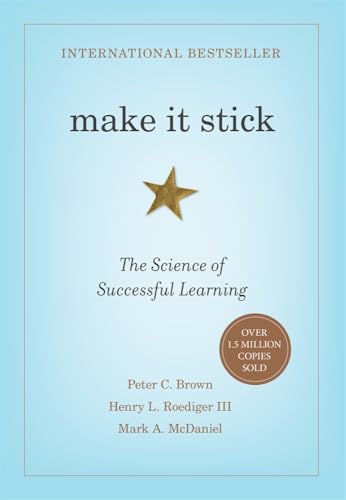
Make It Stick: The Science of Successful Learning
The gold standard for cognitive science learning. Learn how active recall, spaced repetition, retrieval practice, and varied study schedules dramatically improve retention over passive re-reading.
AI Study Pilot receives a small commission from qualifying Amazon purchases at no extra cost to you.FAQ
What is the best AI flashcard generator for students?
The best tool depends on your workflow. NotebookLM is strong for source-based flashcards from uploaded class materials. Quizlet is convenient for easy study sets. Anki is strongest for long-term spaced repetition, though it requires more setup and editing.
Can NotebookLM make flashcards from my notes?
Yes. Google’s NotebookLM help page says NotebookLM can generate flashcards or quizzes from notebook sources through the Studio panel, with options such as difficulty, prompt preferences, explanations, progress tracking, and CSV download for flashcards.
Is Anki better than Quizlet for AI-generated flashcards?
Anki is often better for long-term, serious spaced repetition because it gives more control over scheduling and card types. Quizlet may be easier for quick sets, sharing, and casual review. For exam-heavy subjects, many students prefer Anki after cleaning the AI-generated cards.
How many flashcards should I make from one lecture?
Start with 15–40 good cards for a normal lecture, depending on density. A difficult lecture may need more, but quality matters more than count. If you generate 100 cards, expect to delete or rewrite many.
Do AI flashcards help you remember better?
They can help if they create active recall and you review them over time. They do not help much if the cards are wrong, too broad, or never reviewed. The memory benefit comes from retrieval practice, correction, and spaced repetition — not from AI generation alone.
What should I check before trusting AI-generated flashcards?
Check accuracy, source support, question clarity, answer length, one-idea-per-card structure, duplicates, and whether the card tests recall instead of recognition.
Can I upload lecture slides to an AI flashcard tool?
Only if your course rules and the tool’s terms allow it. Do not upload restricted, copyrighted, confidential, or unreleased course material if your teacher or institution forbids it. When unsure, ask or use your own summarized notes instead.
Generated raster image briefs
Use AI Study Pilot’s clean blue/white study-tech visual style. Final images should be optimized WebP/JPG/PNG, not SVG placeholders. Keep visuals student-friendly and avoid implying official endorsement from tools.
- Hero image — “notes to flashcards workflow”
- Placement: after intro.
- Brief: Student at laptop/tablet converting lecture notes into colorful flashcards, subtle AI assistant panel, blue AI Study Pilot accents, notebook and highlighter nearby, clean realistic study desk.
- Alt: Student turning class notes into AI flashcards on a laptop.
- Good vs bad flashcard comparison
- Placement: near “What makes a good flashcard?”
- Brief: Two flashcards side by side. Left is overloaded and messy with multiple tiny facts; right is clean with one question and short answer. Green check and soft red warning styling.
- Alt: Good versus bad AI flashcard example for students.
- Tool workflow visual
- Placement: near tools section.
- Brief: Flow from notes/PDF/slides into NotebookLM or AI generator, then quality-check desk, then Anki/Quizlet review app. Use generic app-like cards; optional small tool name labels only.
- Alt: AI flashcard workflow from notes to checked cards to spaced repetition.
- Flashcard quality-control checklist
- Placement: near step-by-step section.
- Brief: Close-up of a student editing cards with checklist items: one idea, clear question, short answer, source checked, active recall. Blue-white glassmorphism UI.
- Alt: Quality-control checklist for AI-generated flashcards.
- Spaced repetition timeline
- Placement: near Anki/spaced repetition section.
- Brief: Clean timeline showing Day 1, Day 3, Day 7, Day 14 review path, with cards returning based on difficulty. Calm study-planner aesthetic.
- Alt: Spaced repetition timeline for reviewing AI flashcards.
- Privacy/copyright visual
- Placement: near privacy cautions.
- Brief: Closed notebook, lock icon, private deck label, laptop with “personal study only” note; professional and calm, not scary.
- Alt: Privacy and copyright caution for uploading class notes to AI tools.
- Final checklist visual
- Placement: near final workflow checklist.
- Brief: Printable-style checklist on desk with checked boxes and small stack of polished flashcards, blue AI Study Pilot brand colors.
- Alt: Final checklist for making trustworthy AI flashcards from notes.
Disclosure: AI Study Pilot may add affiliate links later. We recommend free-first tools where possible and never promise guaranteed grades or outcomes.