Active recall · Updated May 2026
How to Use Anki and AI to Learn Anything Faster: Active Recall System
Turn your notes into premium Anki flashcards automatically with AI while preserving context, verification checks, and spaced repetition rules.
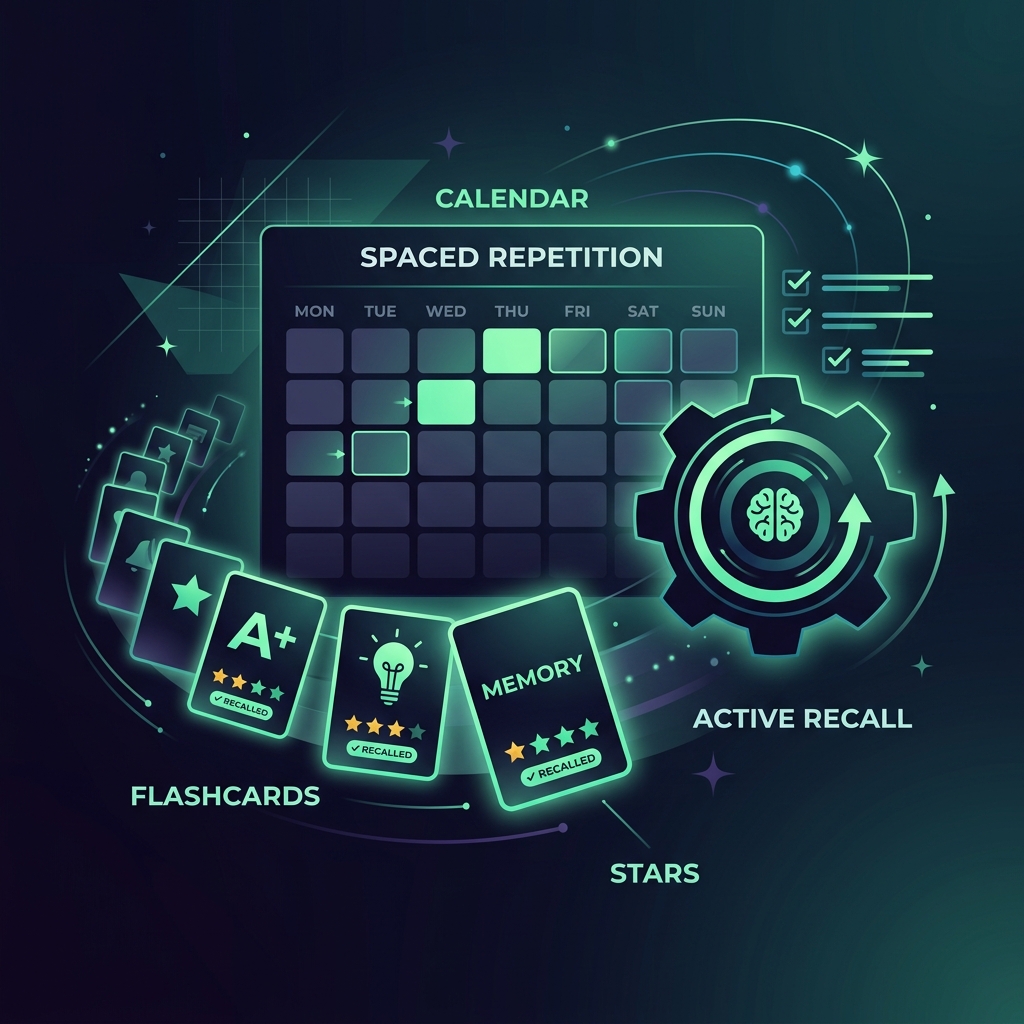
Learn how to use AI to automatically convert messy lecture notes, readings, and slides into high-quality Anki flashcards that optimize active recall and spaced repetition.
Anki is one of the most powerful study tools available for students. Its spaced repetition algorithm forces you to review concepts right before your brain is about to forget them, converting short-term cramming into long-term memory.
However, the most time-consuming part of studying with Anki is creating the flashcards. Writing good cards is an art form—cards must be concise, focused on a single fact, and clearly formulated. AI can automate the flashcard creation process in seconds, but only if you prevent the AI from generating low-quality cards, hallucinating definitions, or ignoring context.
Quick answer
- Export your notes or lecture transcript as clean plain text.
- Use a safe flashcard prompt that requires single-concept, Q&A structured outputs.
- Review and verify the AI-generated flashcards against your textbook or syllabus.
- Export the final questions and answers as a
.csvfile. - Import the
.csvfile into Anki and categorize with tags for spaced repetition.
Helpful sources behind this workflow
- Anki Manual: Effective Card Design
- Cornell Learning Strategies Center: Spaced Repetition
- UNC Learning Center: Active Recall Study Hacks
Safe vs risky flashcard prompts
- Flashcard aspect: Formatting · Risky prompt (Poor card design): Make flashcards from these notes. · Safer prompt (High-quality cards): Format the cards as a two-column CSV (Front, Back) with simple Q&A.
- Flashcard aspect: Card Length · Risky prompt (Poor card design): Write detailed explanations on the back of each card. · Safer prompt (High-quality cards): Keep the back of the card under 12 words and focus on a single key fact.
- Flashcard aspect: Quality Control · Risky prompt (Poor card design): Turn everything in my notes into a card. · Safer prompt (High-quality cards): Extract only key definitions, formulas, and processes. Ignore minor details.
- Flashcard aspect: Context · Risky prompt (Poor card design): What is photosynthesis? · Safer prompt (High-quality cards): What is the primary organelle where photosynthesis occurs in a plant cell?
Step 1 — Clean your note text
Do not paste raw, messy notes directly. Clean up transcription errors, remove personal comments, and ensure all terms are spelled correctly. Focused, structured notes produce significantly higher quality flashcards.
Step 2 — Use the Anki CSV Prompter
Pasting this exact prompt into ChatGPT, Claude, or NotebookLM forces the AI to output cards in a format that Anki can import directly as a CSV file.
You are a flashcard designer. Generate Anki flashcards from the notes below.

Format the output strictly as a CSV-compliant block with two columns: "Front" (the question) and "Back" (the answer). Do not include headers or column names.

Follow these strict design rules:
1. Minimum information principle: Each card must test exactly one clear fact or concept.
2. Front format: Start with a clear context prefix in brackets (e.g., "[Biology - Mitochondria] What is...").
3. Back format: Keep the answer under 10 words.
4. Do not create cards for simple synonyms; focus on formulas, processes, and definitions.

Notes:
[paste notes here]
Step 3 — Verify card quality before importing
Before you import the cards into Anki, perform a manual quality audit:
* The "One-Fact" Test: Does the front of the card require you to remember multiple distinct ideas at once? If yes, split it into two separate cards.
* Accuracy Check: Did the AI hallucinate a definition or misquote a formula? Verify key terms against your course slides or official study guides.
* Clarity Check: If you look at the front of the card, is it obvious what context is being tested, or is the question too vague?
Step 4 — Import into Anki
- Copy the CSV text block output by the AI.
- Paste it into a plain text file on your computer and save it as
cards.txt. - Open Anki, click File > Import, select your
cards.txtfile. - Map the first column to the Front field and the second column to the Back field.
- Create a new deck for your class and import the cards!
Integrating AI flashcards into your study routine keeps you active, saves hours of manual card writing, and ensures you spend your time reviewing instead of prepping.

Make It Stick: The Science of Successful Learning
The gold standard for cognitive science learning. Learn how active recall, spaced repetition, retrieval practice, and varied study schedules dramatically improve retention over passive re-reading.
AI Study Pilot receives a small commission from qualifying Amazon purchases at no extra cost to you.Disclosure: AI Study Pilot may add affiliate links later. We recommend free-first tools where possible and never promise guaranteed grades or outcomes.