AI self-quiz workflow · Updated May 2026
How to Make an AI Quiz From Your Notes Without Cheating
A summary can make you feel like you understand your notes, but a quiz proves whether you can remember and apply them. AI can help students turn notes into practice questions, but the safe goal is self-testing — not getting answers to graded work.

Quick answer
- Choose notes you are allowed to use.
- Ask AI to create questions that test recall, application, and explanation.
- Make the AI ask one question at a time.
- Answer before seeing feedback.
- Turn missed questions into an error log or flashcards.
- Verify the explanations against your notes, textbook, or teacher-approved materials.
The most important rule: the AI should help you practice thinking, not replace it.
Why quizzes beat passive rereading
Many students reread notes and highlight pages because it feels productive. The problem is that recognition is not the same as recall. You may recognize a sentence when you see it and still be unable to explain it during a test.
Learning-center guidance from the University of North Carolina encourages active studying, self-testing, planning, and distributed practice. The American Psychological Association has also discussed research on retrieval practice and spaced learning. For students, the practical takeaway is simple: build study sessions where you have to pull information from memory and check your answer.
Helpful sources behind this workflow
- University of North Carolina Learning Center: Studying 101
- American Psychological Association: learning and memory article
- Google NotebookLM Help Center for current feature details
Because AI tools change features, limits, and pricing often, check the current help page for any tool before relying on a specific quiz, source, or notebook feature.
Step 1 — Choose safe material
Good inputs include your own class notes, a reading summary you wrote yourself, vocabulary lists, public textbook sections or open educational resources, instructor-approved study guides, and general topic lists from the syllabus.
Risky inputs include live quiz or exam questions, paid or locked course materials you are not allowed to upload, answer keys, another student’s notes without permission, or private student data.
If you are unsure, do not upload the file. Use a topic-only prompt instead: “Quiz me on photosynthesis at an introductory biology level.”
Step 2 — Start with a clean quiz prompt
I want to study from my own notes. Create a self-quiz that helps me learn, not cheat. Use only the information I provide below. Ask one question at a time and wait for my answer before giving feedback. If my answer is partly wrong, give a hint before the full explanation. After 10 questions, summarize my weak areas.

Notes:
[paste allowed notes]
This prompt says the goal is studying, limits the AI to your notes, prevents answer-dumping, and turns mistakes into feedback.
Step 3 — Ask for mixed question types
Make the quiz mixed. Include:
- basic recall questions,
- compare-and-contrast questions,
- application questions,
- “explain why” questions,
- one short scenario question,
- and one question that asks me to correct a misconception.
Ask one at a time.
Example from fictional biology notes: “Mitochondria release usable energy from food molecules during cellular respiration. Chloroplasts use light energy to make sugars in plant cells.”
- What is the main job of mitochondria?
- How are mitochondria and chloroplasts different?
- A plant cell has both mitochondria and chloroplasts. Why does it need both?
- Correct this statement: “Plants do not need mitochondria because they have chloroplasts.”
These questions require more than copying a definition.
Step 4 — Use hint-first tutoring
When I answer, follow this feedback pattern:
1. Mark my answer as correct, partly correct, or not yet.
2. If it is not fully correct, give one hint and ask me to revise.
3. After my second attempt, explain the answer using my notes.
4. End with one follow-up question that checks whether I understand.
This turns the AI into a tutor instead of an answer machine.
Step 5 — Add an error log after the quiz
Based on my quiz answers in this chat, make an error log. For each missed or weak answer, list the topic, what I misunderstood, the type of mistake, and what I should practice next. Do not add new facts beyond my notes unless you clearly label them as general background to verify.| Topic | What I missed | Mistake type | Next practice |
|---|---|---|---|
| Cell respiration | Mixed up energy release and energy storage | Concept confusion | Explain the process in three steps from memory |
| Reconstruction history | Remembered dates but not causes | Weak cause/effect reasoning | Make a timeline and explain each cause |
| Algebra inequalities | Changed direction inconsistently | Procedure error | Do five similar problems and check each step |
Step 6 — Turn misses into flashcards
Do not turn every note into a card. Turn important misses into cards.
Create flashcards only from the questions I missed or answered weakly. Each card should test one idea. Use clear question-and-answer format. Avoid giant cards with multiple facts. Include one application card for each major concept.Better card: “Why does a plant cell still need mitochondria if it has chloroplasts?” Answer: “Chloroplasts make sugars using light energy, while mitochondria release usable energy from food molecules through cellular respiration.”
Step 7 — Verify AI explanations
AI can misread notes, overgeneralize, or add facts that are not in your class materials. Check whether the explanation matches your notes, whether the AI added an unsupported claim, whether the vocabulary is at the right class level, and whether the answer matches your textbook or approved resource.
If the answer affects a grade, verify it with assigned materials, office hours, tutoring, or your instructor.
Tool options for note-to-quiz studying
| Tool type | Useful for | Caution |
|---|---|---|
| General AI chat tools | Quick quizzes, hints, explanations, study plans | May add unsupported facts; check against notes |
| Notebook-based AI tools | Working with a set of uploaded or selected sources | Upload only allowed material and check current source features |
| Flashcard apps with AI features | Turning missed questions into review cards | Edit cards; AI-made cards can be too broad or too easy |
| Non-AI method | Paper self-quizzing, study groups, tutoring | Slower to generate, but often safer for restricted classes |
Do not choose a tool only because it is popular. Choose the tool that matches your class policy and privacy needs.
Copy-ready prompts
Notes-to-quiz prompt
Use these allowed notes to quiz me for studying. Ask one question at a time. Use recall, application, and explanation questions. Wait for my answer before feedback. Do not create answers to submit for class.

[paste notes]
Topic-only prompt
My class is covering [topic] at [high school/college intro/AP/etc.] level. I cannot upload my course materials. Quiz me on the core ideas one question at a time, and keep explanations general.Wrong-answer review prompt
Here are the questions I missed and my answers. Help me identify patterns in my mistakes and suggest a short review plan. Do not shame me and do not invent class-specific facts.Hint-first prompt
For this quiz, do not give the full answer immediately. If I am wrong, give one hint and ask me to try again. Only explain fully after my second attempt.Flashcard conversion prompt
Turn only my missed quiz questions into simple flashcards. Each card should test one concept. Include a few application cards, not just definitions.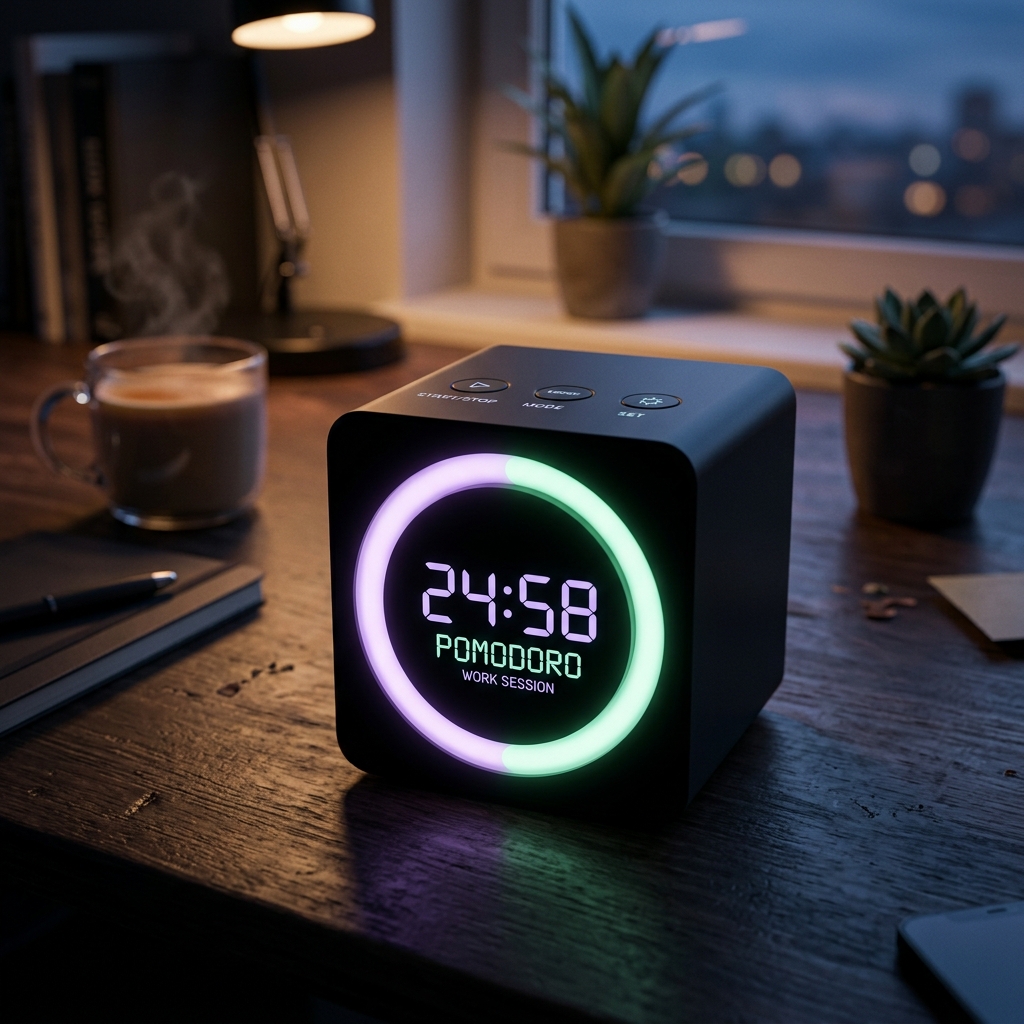
Visual Pomodoro Study Cube Timer
A physical, gravity-sensing study block timer that triggers timed active recall intervals automatically. Perfect for staying locked in during focused sprints.
AI Study Pilot receives a small commission from qualifying Amazon purchases at no extra cost to you.Common mistakes
Mistake 1: Asking for answers before trying
If the AI answers first, you lose the retrieval practice. Make yourself answer before feedback.
Mistake 2: Making questions too easy
Ask for application, compare/contrast, and misconception questions so you practice deeper understanding.
Mistake 3: Uploading restricted material
A useful quiz is not worth breaking class rules or privacy expectations. Use topic-only prompts when needed.
Mistake 4: Trusting every explanation
AI output should be checked against your notes, textbook, or instructor guidance.
Mistake 5: Never reviewing missed questions
The missed questions are the most valuable part. Turn them into flashcards, practice problems, or a mini review plan.
FAQ
Is it cheating to make an AI quiz from my notes?
It is usually a study activity if you use allowed materials and answer the questions yourself. Your instructor’s AI policy always comes first.
Can I paste my lecture slides into AI?
Only if your school, instructor, and the material license allow it. If not, use topic names or notes you wrote yourself.
What should I do if the AI gives a wrong answer?
Correct it using your class materials. You can also prompt: “This does not match my notes. Recheck using only the text I provided.”
Should I use multiple-choice questions?
Multiple choice can help, but include short answer and explanation questions too. They reveal whether you can produce the idea without seeing choices.
How many questions should I make?
Start with 10 to 15. Review mistakes, then generate a second quiz focused on weak areas.
Final recommendation
AI quizzes are most helpful when they make you retrieve, explain, apply, and correct your thinking. Keep the workflow honest: use allowed materials, answer before feedback, verify explanations, and turn mistakes into the next study session.