Study groups · Updated May 2026
How to Use AI to Manage Student Study Group Projects
Learn a safe, collaborative AI workflow to divide group project tasks, organize meeting agendas, and summarize action items dynamically.
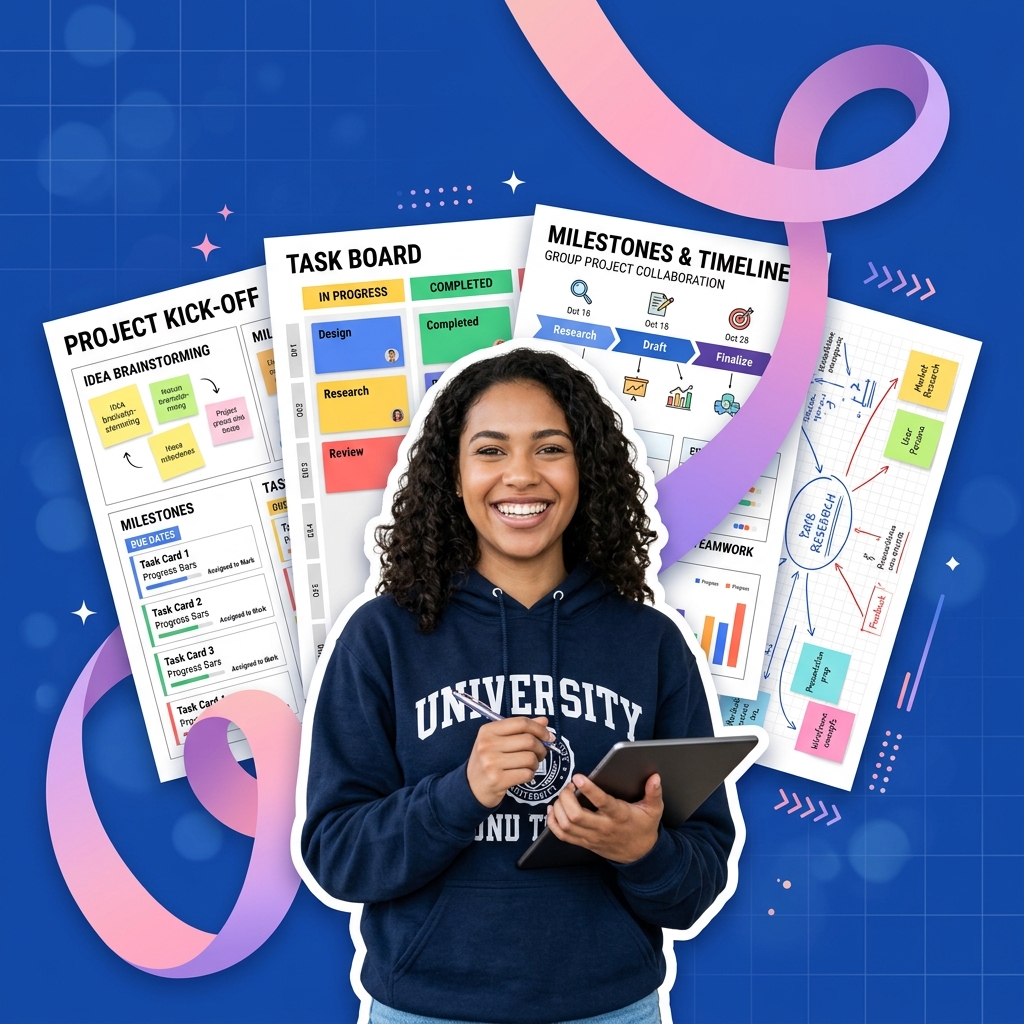
Collaborative assignments and study groups are a staple of college coursework. Group projects are designed to teach teamwork, but they often suffer from poor coordination, uneven task distribution, and disorganized meetings where hours are spent debating ideas without any concrete progress.
AI tools can act as a neutral project manager for your study group, helping you translate brainstorming sessions into clean action plans and structured project schedules.
However, letting an AI write your entire group report or build slides without individual contribution violates academic integrity policies. The key to successful group collaboration is using AI to streamline task tracking and meeting agendas, while each student writes their own assigned sections.
Study group management workflow with AI
- Brainstorm on paper first: Use a physical workspace or smart notebook to sketch diagrams, wireframes, and section lists during group meetings.
- Use AI to build a structured task breakdown: Paste your meeting bullet points and ask the AI to generate a detailed project roadmap with equal workloads.
- Draft structured meeting agendas: Generate clear agendas before meetings to keep discussions focused and under 45 minutes.
- Summarize meeting notes and next steps: Dictate meeting summaries and ask the AI to list explicit action items and deadlines.
- Collaborate inside shared documents: Complete assignments inside Google Docs or Notion, verifying that all written content is original.
Capturing ideas and sketches collectively
Group brainstorming sessions are highly visual. Trying to capture complex flowcharts, website wireframes, or database structures directly inside software templates often slows down discussion.
Using a smart reusable notebook (like the Rocketbook Smart Reusable Notebook) during your group sessions allows team members to sketch ideas freely by hand on paper. You can then quickly scan and upload the sketches directly to your group's shared Google Drive or Slack channel. This keeps your physical notes digitized and accessible alongside your AI-generated project plans.
Step 1 — Run the project breakdown prompt
Once your group agrees on the basic goals of the assignment, use this prompt to generate a structured workload distribution:
Act as a project manager. We are a study group of [Number, e.g., 3] college students working on a project about [Topic, e.g., building a simple portfolio website]. The project consists of the following goals: [list goals briefly].

Generate a structured project schedule table with the following columns:
1. **Task Name**: Clear, bite-sized tasks.
2. **Suggested Owner**: Distribute tasks equally between Member A, Member B, and Member C.
3. **Milestone Deadline**: Suggest milestones over a [e.g., 2-week] period leading to the final due date.
4. **Deliverable Description**: What the output of that task should look like.
This prompt provides a fair starting point for dividing responsibilities, avoiding the common issue of one student doing all the work.
Step 2 — Generate focused meeting agendas
To prevent meetings from running too long, run this prompt to create a focused agenda before the group gathers:
Create a 30-minute meeting agenda for our second group project meeting. Our goals are to review the initial website wireframes and assign the coding tasks. Break the agenda down into 5-minute blocks with specific discussion questions.Step 3 — Compile notes into action items
At the end of your meeting, write down the raw notes and ask the AI to clean them up:
Clean up these raw, conversational meeting notes. Do not rewrite policies or add fluff. Output a list of:
1. **Decisions made** during this meeting.
2. **Next steps** with owners and deadlines.
3. **Open questions** we need to research before the next meeting.

Raw Notes:
[Paste raw notes]
This ensures every team member leaves the meeting with absolute clarity on what they need to do next.
Common study group mistakes to avoid
* Dividing the writing blindly: Do not just write your sections separately and paste them together without a final review. Set aside a brief editing block to ensure the report flows naturally and uses a consistent tone.
* Failing to verify original work: Ensure all team members understand academic integrity rules. One student copying paragraphs from AI can get the entire group penalized.
* Avoiding difficult conversations: If a group member is missing milestones, address it early. Use your structured AI project roadmap to show what deliverables are outstanding.
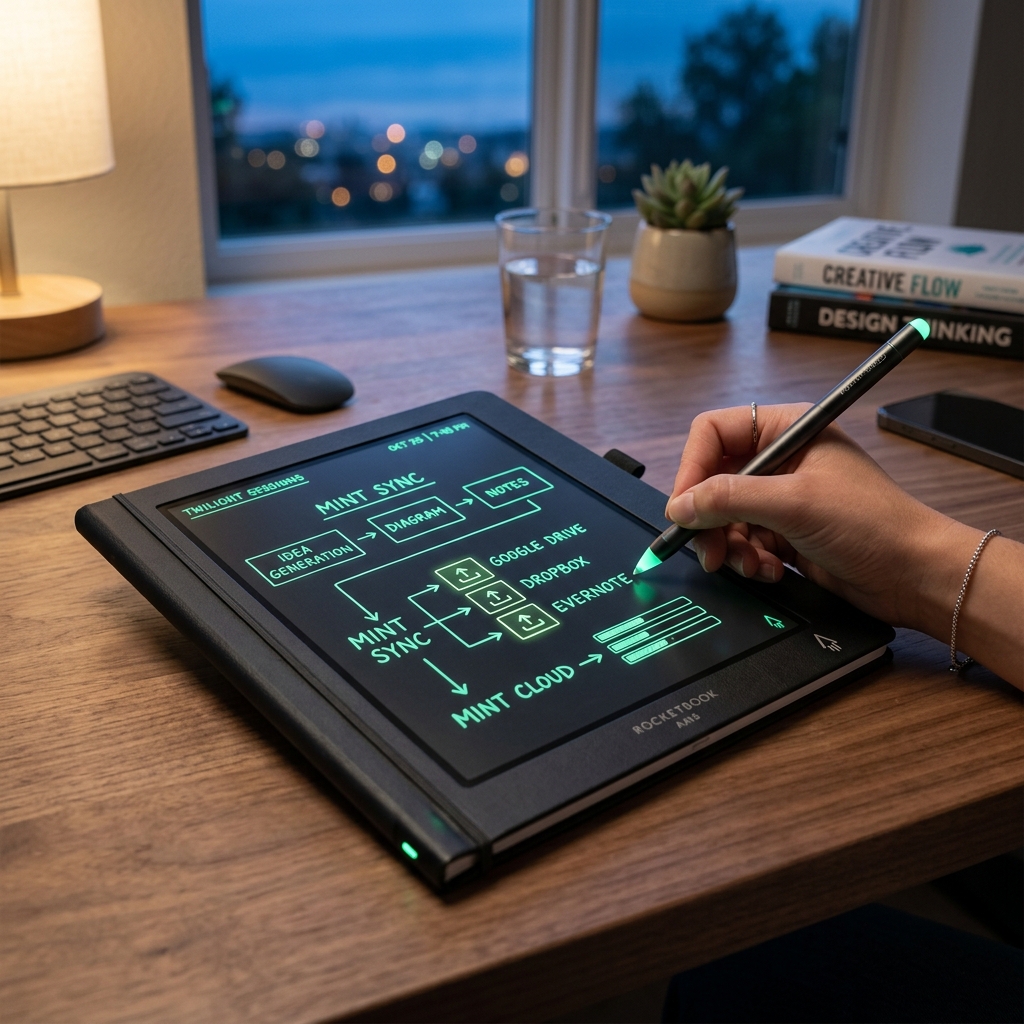
Rocketbook Smart Reusable Notebook
Eco-friendly, reusable physical notebook that digitizes and syncs your hand-written diagrams and notes directly to your favorite cloud storage for AI-assisted study.
AI Study Pilot receives a small commission from qualifying Amazon purchases at no extra cost to you.Disclosure: AI Study Pilot may add affiliate links later. We recommend free-first tools where possible and never promise guaranteed grades or outcomes.