Flagship guide · AI study planning
How to Build an AI Study Plan From Your Syllabus to Finals
A safe syllabus-to-finals workflow for turning deadlines, readings, and exam dates into a realistic weekly study plan.
Quick answer
You can use AI to turn a syllabus into a study plan if you treat the model like a planning assistant, not a substitute for reading, practice, or instructor guidance. Paste only the non-private parts of your syllabus, ask for a week-by-week map, then verify every date, reading, grading weight, and policy against the original document. The useful output is not a perfect plan; it is a first draft you can edit into a calendar you will actually follow.
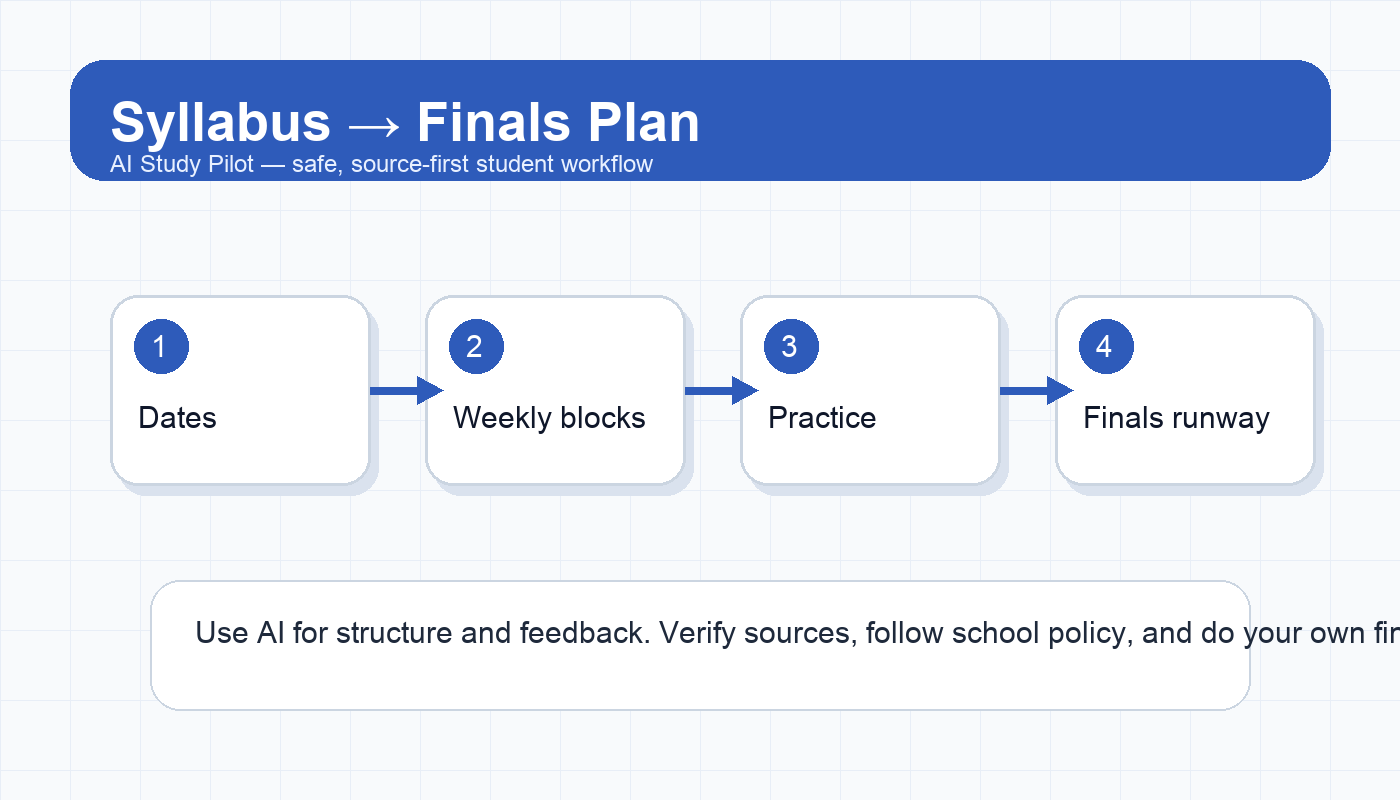
A strong syllabus-to-finals workflow has five parts:
- Extract the fixed dates: exams, quizzes, papers, labs, presentations, and drop deadlines.
- Convert readings and lectures into weekly preparation blocks.
- Add active-recall tasks before every assessment.
- Build two review buffers: one midterm buffer and one finals buffer.
- Re-check the plan every Friday so it adapts to real life.
Use this guide when the semester feels like a wall of dates. If your immediate problem is a single exam, start with the 7-day exam plan. If your notes are messy, pair this with the AI study guide from notes workflow.
Is this an acceptable use of AI?
Usually, yes. Planning your own work is a normal productivity task. The risk appears when you ask AI to do assessed work for you, ignore course policies, upload sensitive class materials, or let the tool invent requirements. Keep your use in the planning lane:
- It is fine to ask for a calendar, reading blocks, review checkpoints, and practice routines.
- It is not fine to ask for answers to locked quizzes, exam questions, or instructor-only materials.
- Do not upload private student data, grades, classmate work, or restricted course files. Use the AI privacy checklist before pasting anything.
- Always compare AI output with the syllabus before trusting it.
If your school has a strict AI policy, follow that first. A plan is only useful if it stays inside the rules.
What to paste into the AI
Do not start by pasting the entire course site. Start with the parts a planner needs:
- course name and term;
- weekly topics or modules;
- assignment names and due dates;
- exam dates and grading weights;
- recurring class meeting days;
- reading list or chapter schedule;
- any stated late-work or participation policy that affects planning.
Remove instructor email addresses, classmate names, student ID numbers, grade screenshots, and anything marked confidential. If a document is long, paste one section at a time and label it clearly.
Copy-ready prompt: syllabus to study plan
You are my study-planning assistant. I will paste syllabus information for one course. Your job is to create a realistic week-by-week study plan, not to complete assignments for me.

Rules:
- Do not invent dates, readings, policies, or requirements.
- If something is unclear, write “CHECK SYLLABUS” instead of guessing.
- Separate fixed deadlines from suggested study tasks.
- Build in active recall, practice, and review buffers.
- Keep the plan realistic for a student with other classes.

Course context:
[course name]
[class meeting days]
[major deadlines / exams]
[weekly topics and readings]
[known busy weeks or work schedule]

Output:
1. A table with Week, Fixed deadlines, Prep tasks, Review tasks, and Risk notes.
2. A short list of the 5 highest-risk weeks.
3. A finals-review timeline that starts at least 14 days before the final.
4. A Friday check-in checklist I can reuse every week.
After you get the plan, do not copy it blindly into your calendar. Read it like a rough draft.
Step 1: make a fixed-date map
AI planning fails when flexible study tasks and fixed deadlines are mixed together. Ask for the fixed-date map first. This should include only events that are directly stated in the syllabus: due dates, exams, lab days, presentations, reading deadlines, and attendance-sensitive dates.
Then manually check every item. This is the boring step that prevents chaos later. If the AI misses a quiz, shifts a paper by one week, or misunderstands a “before class” deadline, your entire plan can become unreliable. Keep the syllabus open beside the output and highlight mismatches.
Useful follow-up prompt:
Now create a fixed-date checklist only. Include the exact wording from my syllabus when possible. Mark any date you are not fully sure about as CHECK SYLLABUS. Do not include suggested study tasks yet.Step 2: add weekly preparation blocks
Once fixed dates are correct, add flexible study blocks around them. A good weekly plan should include:
- one preview block before class or lecture;
- one consolidation block after class;
- one active-recall block before quizzes or exams;
- one catch-up buffer for readings, labs, or discussion posts;
- one weekly review block.
For reading-heavy courses, pair this guide with the class readings to study workflow or the textbook chapter summary workflow. For lecture-heavy courses, use the YouTube/video lecture summary workflow only when you have the real transcript or your own notes.
Step 3: translate assignments into milestones
Large assignments are where students get ambushed. A syllabus might say “Research paper due Week 11,” but your plan should break that into smaller milestones:
- choose topic;
- collect sources;
- make outline;
- draft section one;
- draft section two;
- citation audit;
- revision pass;
- final proofread.
AI can help split the work, but you should adjust the timeline based on your actual speed. If a lab report always takes you longer than expected, give it more space. If a discussion post is simple, do not let it steal a full study block.
Step 4: build active recall into the plan
A plan full of “read chapter” and “review notes” looks productive but often produces weak retention. Add tasks that force retrieval:
- write five questions from each lecture;
- explain one concept without looking;
- make flashcards only for missed or high-yield facts;
- generate a practice quiz from your notes;
- do a blank-page brain dump before checking the textbook.
The AI flashcards from notes guide, Anki active-recall guide, and practice exam guide can turn these tasks into repeatable routines.
Step 5: create the finals runway
Finals should not start when classes end. Ask AI to create a finals runway that begins two to three weeks before the exam. The runway should have three passes:
- Coverage pass: list the units, chapters, and lecture themes.
- Weakness pass: identify topics you missed on quizzes, homework, or practice questions.
- Exam-simulation pass: complete timed practice, explain errors, and revisit weak areas.
If the class has cumulative exams, label cumulative material separately from newer material. If the final is project-based, change the runway from practice questions to deliverable milestones.
Friday check-in checklist
Use this every week. It keeps the AI plan honest.
- Did I complete the fixed deadlines for this week?
- Which study tasks were unrealistic?
- What moved because of work, illness, travel, or another class?
- What is the next assessment, and what kind of practice does it require?
- Which readings or lectures are still fuzzy?
- What should I remove from next week so the plan stays possible?
- What should I ask my instructor, TA, or study group before I guess?
A plan that gets revised is better than a beautiful plan that gets abandoned.
Common mistakes
- Letting AI invent missing dates. If a date is not in the syllabus, mark it uncertain.
- Making every week equally intense. Real semesters have crush weeks. Name them early.
- Planning passive review only. Add recall, practice, and self-testing.
- Ignoring other courses. A perfect plan for one class can fail across five classes.
- Uploading too much. Share only the information needed for planning.
FAQ
Can AI put my syllabus into Google Calendar?
It can draft calendar entries, but you should verify every date before importing anything. A wrong import creates more work than it saves.
Should I include grading weights?
Yes. Grading weights help the plan prioritize. A 30% exam deserves more runway than a 2% reading check.
What if my syllabus changes?
Run a weekly update prompt. Paste the changed section, ask what needs to move, and verify the new output against the announcement.
Can I use this for multiple classes?
Yes, but process one class at a time first. Then combine only the fixed deadlines and high-risk weeks into a master semester calendar.
Final recommendation
Use AI to make the first version faster, then use your judgment to make it real. The best syllabus-to-finals plan is simple enough to follow, specific enough to prevent surprises, and honest enough to change every week.
Disclosure: AI Study Pilot may add affiliate links later. We recommend free-first tools where possible and never promise guaranteed grades or outcomes.