STEM studies · Updated May 2026
How to Use AI to Solve STEM Problem Sets Step-by-Step
Learn a safe, conceptual AI workflow to solve math, physics, and chemistry problem sets with guided hints instead of copying answers.
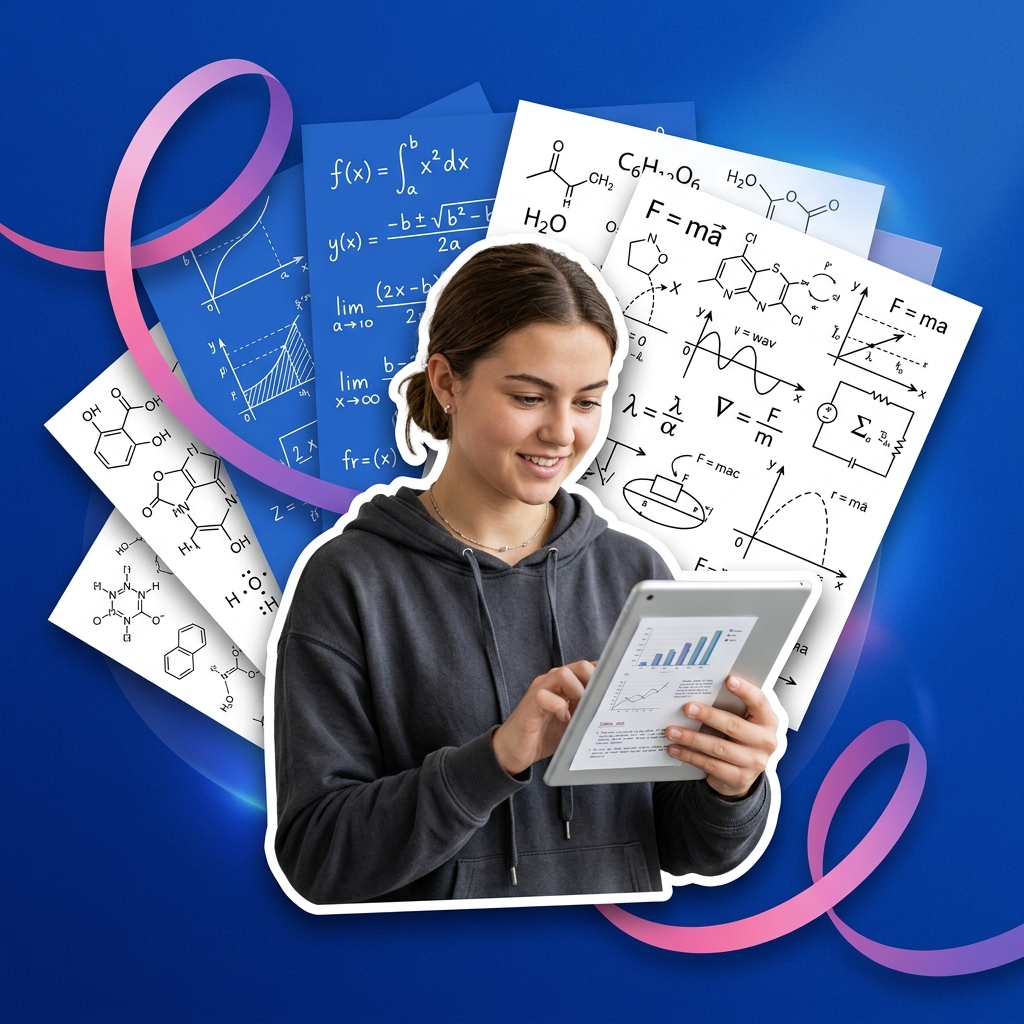
Tackling STEM (Science, Technology, Engineering, and Math) problem sets is one of the most challenging parts of a student's workload. These assignments require a deep understanding of formulas, unit derivations, and multi-step calculations. When students run into a wall, the temptation to copy answers directly from homework-help sites is high.
AI tools like ChatGPT or Claude can serve as an on-demand STEM tutor, breaking down complex formulas and providing conceptual hints.
However, letting an AI calculate the final answers for you is a major mistake. LLMs are notoriously prone to math calculations errors, and copying steps without understanding the underlying physics or math principles will leave you unprepared for exams. The key is to use AI to clarify the concepts while doing the calculations yourself.
STEM problem set workflow with AI
- Identify the core variables: List the known parameters and the target variable you need to solve for.
- Setup a hint-based tutoring prompt: Instruct the AI to explain the physics or math formulas needed without doing the calculations.
- Solve the calculation manually: Write down the steps and perform the math on paper or in a calculator.
- Compare steps for verification: Paste your final answer and steps to verify your logic and unit conversions.
- Practice focused and diffuse thinking: Alternate intense problem-solving sessions with short breaks to let your brain digest the concepts.
Unlocking analytical thinking in STEM
In A Mind for Numbers, Dr. Barbara Oakley explains that learning math and science requires alternating between two cognitive states: the focused mode (intense concentration on details) and the diffuse mode (relaxed, big-picture thinking).
When you get stuck on a difficult STEM problem, staring at it for hours is counterproductive. Instead, use a visual timer to block out a 25-minute focused sprint, and then walk away for a 5-minute break. This diffuse mode block allows your brain to sub-consciously form new neural connections, making it easier to see the solution when you return.
Step 1 — Run the "Hint-Only Tutor" prompt
Standard AI chats will write out the entire calculation, bypassing your learning. Use this prompt to get step-by-step conceptual help:
Act as a patient, expert [Physics / Chemistry / Math] tutor. I am working on this problem: [Paste problem text].

Please help me solve it by following these rules:
1. Explain the primary physical or mathematical law or theorem relevant to this problem.
2. State the key formulas I will need, and explain what each variable represents.
3. Outline a 3-step strategy to approach the calculation, but do not plug in the numbers or do the math.
4. Ask me to share my first step calculation before you proceed.
This simulates a real tutoring session, forcing you to engage in active problem-solving.
Step 2 — Verify unit conversions
STEM problems often contain trick units (e.g., mixing centimeters and meters, or hours and seconds). If you are unsure of your unit derivation, run this verification prompt:
I am converting [e.g., 50 km/h to m/s]. Here is my conversion math: [show math]. Explain the correct conversion factors step-by-step and verify if my final unit scale is correct.Step 3 — Dry-run calculations on paper
Write out your work on paper. Performing the algebra and arithmetic yourself builds the cognitive muscle memory needed for exams where calculators might be restricted.
Once solved, paste your final answer to verify:
I solved the problem and got [final answer, e.g., 14.7 m/s^2]. Here are my calculations: [paste steps]. Verify my work and identify any errors in my algebra or arithmetic.Common STEM study mistakes to avoid
* Trusting AI calculation results: AI models are language prediction engines, not math calculators. They frequently make simple arithmetic errors. Always verify calculations yourself.
Skipping the derivation steps: Memorizing the final formula is not enough. Learn how* the formula is derived so you can apply it to unfamiliar problems.
* Passive reading of solutions: Looking at a solved problem and saying "that makes sense" is not learning. You must solve the problem yourself from scratch to build retention.
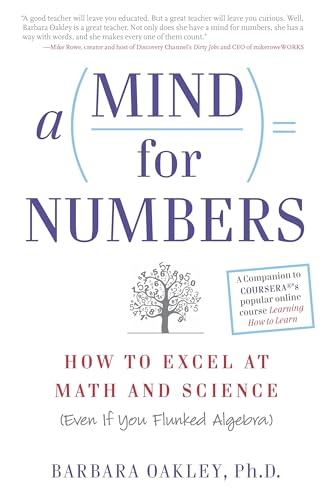
A Mind for Numbers: How to Excel at Math and Science
Dr. Barbara Oakley's actionable guide to unlocking analytical thinking. Perfect for students tackling STEM classes who want to beat procrastination and master complex formulas.
AI Study Pilot receives a small commission from qualifying Amazon purchases at no extra cost to you.Disclosure: AI Study Pilot may add affiliate links later. We recommend free-first tools where possible and never promise guaranteed grades or outcomes.