Lecture slides · Study guide
How to Turn Lecture Slides Into a Study Guide With AI
A safe workflow for converting lecture slides into a useful study guide without trusting invented details or skipping instructor context.
Quick answer
To turn lecture slides into a study guide with AI, provide the slide text, course topic, exam format if known, and your own notes. Ask for an outline, definitions, likely confusion points, and practice questions with “check the slide” flags. Then verify the guide against the slides and your instructor’s emphasis. Slides are often incomplete, so AI should not pretend they contain the whole lecture.
For a broader workflow, see how to make a study guide with AI from your notes, lecture transcripts to structured outlines, and AI practice exams from class notes.
Why slides need extra caution
Slides are not the full class. They may contain bullet points, images, formulas, partial definitions, or examples the instructor explained verbally. If you only paste slide text, AI may fill the gaps with generic textbook knowledge. Sometimes that is helpful for background; sometimes it misleads you about what will be assessed.
The safe move is to label the guide by evidence: “on slide,” “from my notes,” “background explanation,” and “needs verification.”
The slide-to-guide workflow
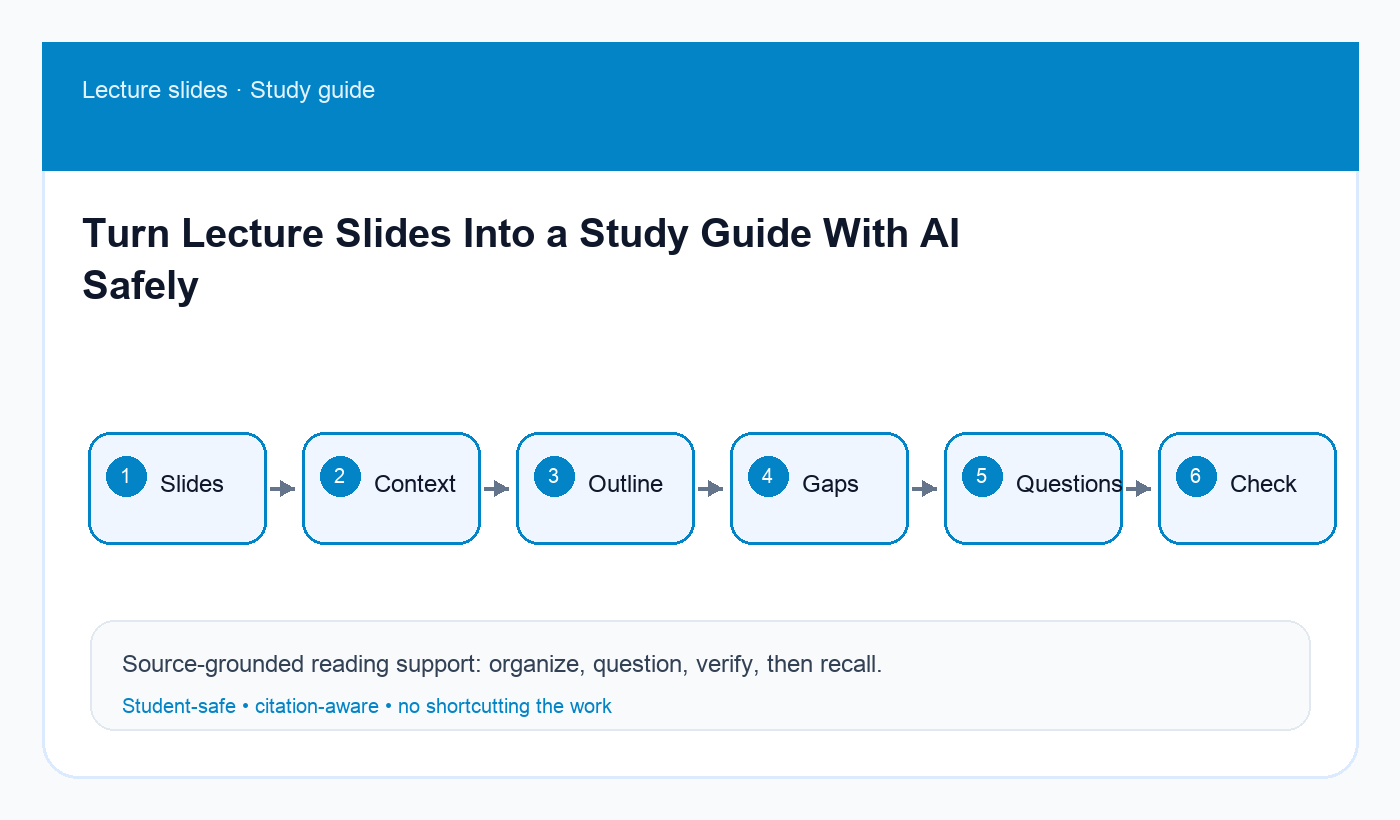
- Stage: Extract slide text · Output: Clean source pack with slide numbers
- Stage: Add context · Output: Course unit, exam format, instructor hints
- Stage: Build outline · Output: Topic map and learning objectives
- Stage: Mark gaps · Output: Missing definitions and unclear examples
- Stage: Practice · Output: Recall and application questions
- Stage: Verify · Output: Correct slide numbers and unsupported claims
Step 1: extract only what you are allowed to use
Use your course rules. If slide decks are provided for personal study, it is usually reasonable to use them for your own study guide, but do not upload sensitive, private, or restricted material to tools against policy. When in doubt, summarize slides in your own words or use an approved school tool.
Keep slide numbers. A guide that says “see slide 18” is easier to verify than a guide that floats without references.
Step 2: add your own lecture context
If you attended class, add notes about what the instructor emphasized. If you missed class, use the missed-class catch-up plan first so you do not confuse AI guesses with what actually happened.
Context can be short: “Professor spent most time on the second case,” “formula derivation not tested,” or “exam includes short answer.” That information changes the study guide.
Copy-ready prompt: slide study-guide builder
Act as a student-safe study guide builder. Use the slide text and notes I provide. Do not invent instructor emphasis, exam predictions, or missing slide content.

Course/unit:
[paste context]

Slide text with slide numbers:
[paste slide text]

My lecture notes:
[paste notes if available]

Create:
1. A topic outline with slide references.
2. Key terms and definitions supported by slides or notes.
3. Unclear/missing items to verify.
4. Ten practice questions: recall, explain, and apply.
5. A short review plan.

Label unsupported background as BACKGROUND - VERIFY.
Step 3: make the guide active
A useful study guide is not just a cleaned slide deck. Add questions, blank spaces, examples, and “explain in your own words” prompts. If the guide is too polished, you may read it passively and feel prepared without retrieval practice.
For every major slide section, add at least one question you can answer without looking. For definitions, ask for examples and non-examples. For processes, ask for steps and failure points.
Step 4: check against the original deck
After generating the guide, open the slide deck and scan line by line. Check formulas, names, dates, cases, diagrams, and definitions. If AI expands beyond the slides, decide whether it is useful background and mark it clearly.
This is especially important for classes where the instructor’s phrasing matters. Your study guide should help you learn the course, not a generic version of the topic.
Common mistakes
- Treating slides as the full lecture.
- Removing slide numbers.
- Asking for “likely exam questions” without a review sheet.
- Trusting generic definitions that conflict with course wording.
- Reading the guide without answering questions from memory.
Final recommendation
Use AI to convert slides into a map, then add your own context and verification. The best slide-based guide is source-labeled, question-heavy, and honest about what still needs checking.
Disclosure: AI Study Pilot may add affiliate links later. We recommend free-first tools where possible and never promise guaranteed grades or outcomes.