Support article · Group projects
AI Group Project Meeting Notes and Action Tracker for Students
A practical workflow for using AI to organize group project meetings, decisions, deadlines, and next actions without doing teammates work for them.
Quick answer
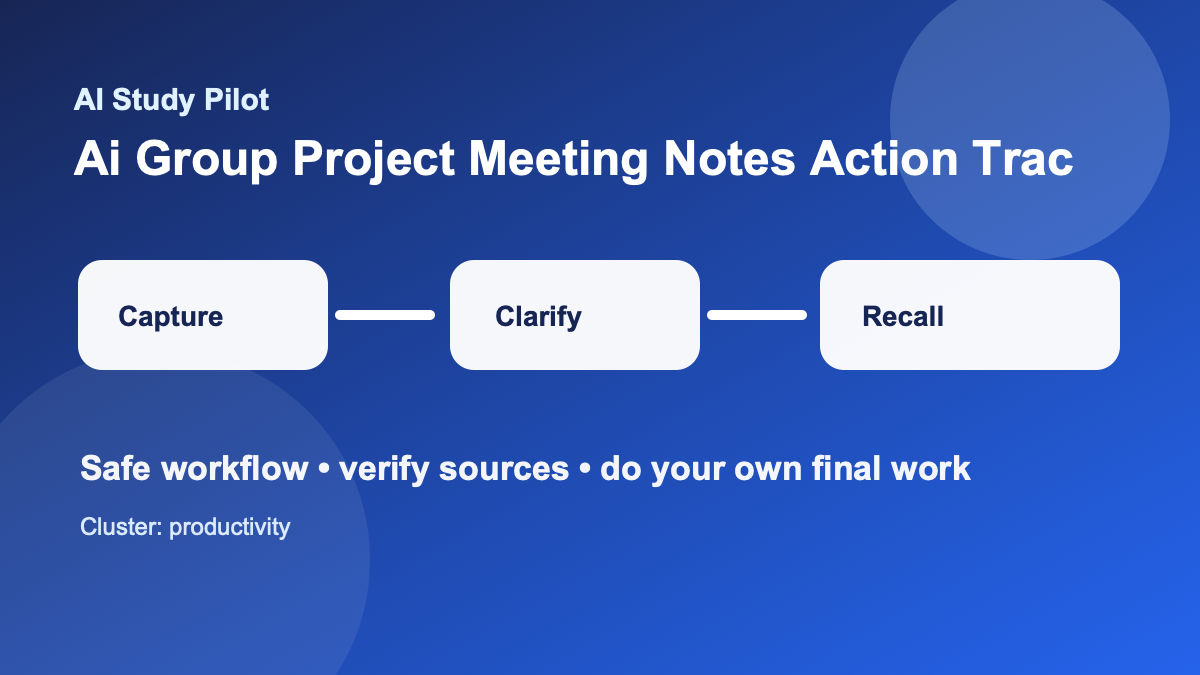
Use AI in a group project to turn meeting notes into decisions, task owners, deadlines, and follow-up questions. Do not use it to secretly replace a teammate’s contribution, write final work without disclosure, or fabricate participation. The best workflow is transparent: the group agrees what AI can help with, one person captures notes, everyone reviews the action list, and the final deliverables stay human-owned.
This pairs well with the AI weekly review routine, the personalized weekly study schedule, and the AI public speaking presentation coach if the project ends in a presentation.
Academic integrity guardrails
Use this workflow to understand, plan, practice, and check your own work. Do not use it to generate answers for locked quizzes, bypass course policies, submit uncited AI writing as your own, or replace assigned reading entirely. If your instructor gives stricter rules, follow those first. When you paste material into any tool, remove private information and use the AI privacy checklist first.
The safest pattern is simple: bring your own course material, ask for organization or practice, verify the output against the source, then write or solve the final version yourself. If the model sounds confident but you cannot trace the answer back to your notes, textbook, or a credible source, treat it as a lead to check rather than a fact to trust.
Set the AI rules before the project starts
Group projects fail when expectations stay vague. Before using AI, agree on three rules: what tools are allowed, what the tools may do, and what must be disclosed. For many classes, using AI to organize notes and tasks is safer than using it to draft final submission text. If your course policy is unclear, keep AI in the planning lane and ask the instructor if needed.
A simple group policy can be one sentence: “We may use AI to summarize our meetings, organize tasks, and generate practice questions, but final analysis, writing, design choices, and citations must be reviewed and owned by the group.”
Copy-ready prompt: meeting notes to action tracker
You are our group project meeting assistant. Turn these rough meeting notes into a clear action tracker. Do not add decisions we did not make. Do not write final project content.

Project:
[paste project name and deadline]

Meeting notes:
[paste rough notes]

Known team members:
[paste first names or initials only]

Output:
1. Decisions made.
2. Open questions.
3. Action items with owner, deadline, and next step.
4. Risks or blockers to discuss.
5. A short follow-up message the group can edit before sending.

Rules:
- If ownership is unclear, write UNASSIGNED.
- If a deadline is unclear, write CHECK DEADLINE.
- Keep the tone neutral and student-friendly.
The meeting structure that works
Start every meeting with the previous action list. Spend five minutes checking what is done, blocked, or no longer needed. Then make decisions before assigning tasks. If the group jumps straight into “who does what,” you may split work before agreeing on the actual argument, design, or research direction.
A reliable agenda is:
- Goal for this meeting.
- What changed since last meeting.
- Decisions needed today.
- Tasks and owners.
- Risks, questions, and next meeting time.
AI can format this agenda, but the group must make the decisions. The tool should not invent consensus.
Keep a decision log
A decision log prevents the classic group-project problem where everyone remembers the meeting differently. After each meeting, save three fields: decision, reason, and source. The source might be the assignment rubric, instructor comment, dataset limitation, or group vote.
Example:
- Decision: Focus presentation on two case studies · Reason: Time limit is eight minutes · Source: Rubric and group vote
- Decision: Use shared slide template · Reason: Keeps design consistent · Source: Group decision
- Decision: Ask instructor about citation format · Reason: Rubric is unclear · Source: Open question
This log is also useful if a teammate misses a meeting. They can catch up without reopening decisions the group already made.
Use AI for accountability without blame
An action tracker should make responsibilities clear, not shame people. Use neutral statuses: not started, in progress, blocked, ready for review, and done. If a task is blocked, write the next support step instead of assigning blame.
A safe follow-up message looks like this:
Here is the action list from today. Please reply if I captured anything wrong.

Decisions:
[decisions]

Tasks:
[owner — task — deadline]

Open questions:
[questions]
Everyone should be invited to correct the notes. That transparency matters because AI summaries can misread or overstate what happened.
When the project has writing or slides
For final deliverables, be extra careful. AI can help create an outline, check whether the slide order matches the rubric, or generate practice presentation questions. It should not silently write sections that the group submits as its own. Use the AI citation audit checklist for sources and the Claude writing feedback workflow for feedback after humans draft the content.
Common mistakes
The first mistake is recording only tasks and not decisions. The second mistake is letting one person use AI privately while the rest of the group does not know. The third mistake is accepting AI summaries without group review. A group project is a shared accountability system; AI should make that system clearer.
The best sign that the workflow is working is boring: fewer “Wait, who was doing that?” messages, fewer duplicated tasks, and clearer questions for the instructor.
Where to go next
If this guide helped, pair it with the AI study system for college students, the AI hallucination checklist, and the AI study safety checklist. For exam-heavy weeks, move from planning into the 7-day AI exam plan, the AI flashcards workflow, or the practice exam from notes guide.
FAQ
Can AI do this whole process for me?
No. The point is to make your learning process clearer, not to outsource it. AI can structure messy information, ask questions, and suggest next steps, but you still need to read, practice, verify, and create the final work.
What if the AI output looks wrong?
Assume it might be wrong. Ask the tool to quote the exact source line it used, compare it with your original notes or reading, and mark anything uncertain as CHECK. Use the citation audit checklist when sources are involved.
Should I tell my instructor I used AI?
Follow your course policy. When disclosure is required or helpful, keep it plain: say which tool you used, what you used it for, and which parts of the work are your own. Do not hide AI use when the policy asks for disclosure.
Disclosure: AI Study Pilot may add affiliate links later. We recommend free-first tools where possible and never promise guaranteed grades or outcomes.