Practical workflow · Office hours prep
Use AI to Prepare Better Office Hours Questions
A student-friendly workflow for using AI to prepare specific, honest office-hours questions before meeting an instructor or TA.
Quick answer
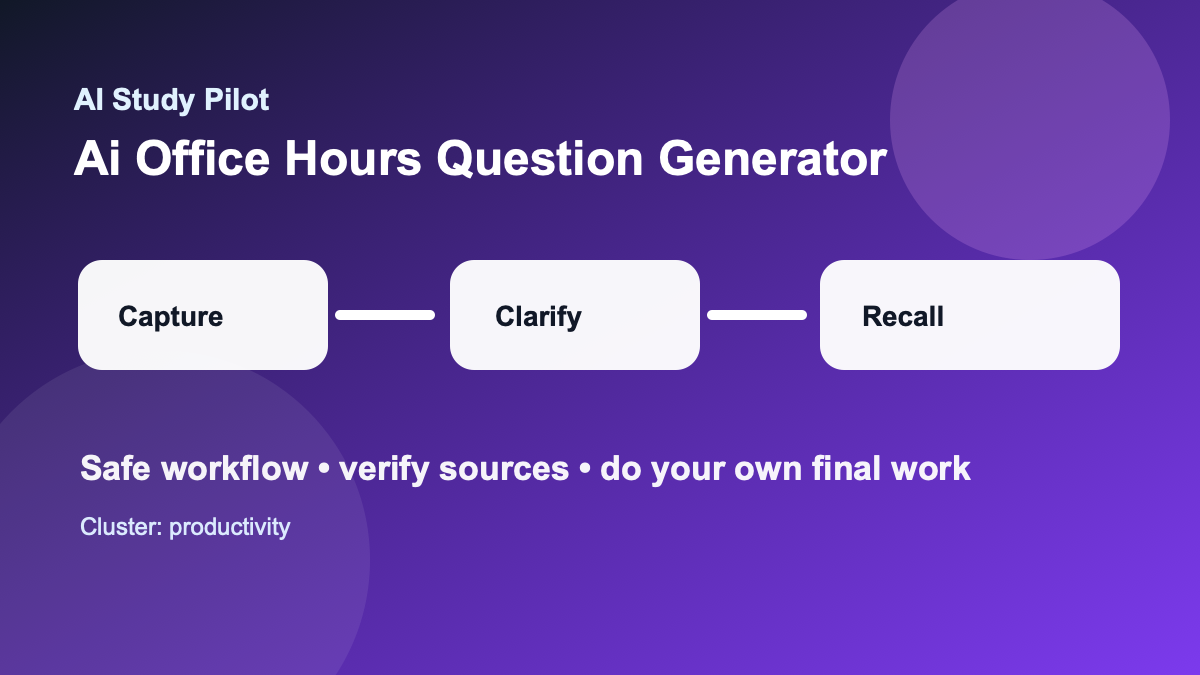
Use AI before office hours to organize what you tried, identify the exact stuck point, and draft respectful questions for your instructor or TA. Do not ask AI to fake understanding or write a message that hides what you do not know. The best office-hours prep has three parts: your attempt, your confusion, and your next question.
This workflow works especially well after you use a Socratic AI tutor, a practice exam from notes, or a weekly review routine. Those workflows reveal weak spots; office hours turns weak spots into instructor feedback.
Academic integrity guardrails
Use this workflow to understand, plan, practice, and check your own work. Do not use it to generate answers for locked quizzes, bypass course policies, submit uncited AI writing as your own, or replace assigned reading entirely. If your instructor gives stricter rules, follow those first. When you paste material into any tool, remove private information and use the AI privacy checklist first.
The safest pattern is simple: bring your own course material, ask for organization or practice, verify the output against the source, then write or solve the final version yourself. If the model sounds confident but you cannot trace the answer back to your notes, textbook, or a credible source, treat it as a lead to check rather than a fact to trust.
Why office-hours questions are hard
Many students wait until they are completely lost, then ask a question that is too broad: “Can you explain chapter 6?” That is understandable, but it gives the instructor very little to work with. AI can help you translate broad confusion into specific questions: what concept broke, where your attempt changed direction, what evidence you used, and what you want checked.
The key is honesty. A useful office-hours question does not pretend you understand more than you do. It shows effort and points to a precise obstacle.
Copy-ready prompt: question generator
You are my office-hours prep assistant. Help me turn confusion into specific questions for my instructor or TA. Do not solve the assignment for me. Do not write anything that hides my uncertainty.

Course/topic:
[paste course and topic]

What I tried:
[paste my notes, attempt, outline, or problem setup]

Where I got stuck:
[paste the confusing sentence, step, reading passage, or feedback]

Rules:
- First summarize my current understanding in 3 bullets.
- Then list the exact missing pieces or contradictions.
- Draft 5 office-hours questions: 2 conceptual, 2 process-based, and 1 follow-up.
- Make the wording respectful and specific.
- Include one sentence I can say if I am embarrassed or confused.
The 10-minute prep routine
Start with two minutes of source gathering. Open the assignment instructions, notes, reading, problem statement, rubric, or feedback. Do not paste private gradebook screenshots or classmate work. Copy only the part relevant to your confusion.
Spend three minutes writing what you already tried. Even a failed attempt is useful. Write sentences like, “I thought the author’s claim was X because paragraph 3 says Y,” or “I applied this formula, but my units do not match.” The attempt tells the instructor how to help you.
Use AI for three minutes to generate candidate questions. Then spend the final two minutes editing them in your own words. If a question sounds too polished or uses vocabulary you would not use, simplify it.
Question templates students can reuse
- “I understand [part A], but I lose the thread when [part B] happens. What should I look for?”
- “Here is the step I tried. Is the issue my setup, my interpretation, or my calculation?”
- “The reading says [quote]. Does that mean [my interpretation], or am I missing a distinction?”
- “If I only have 30 minutes to review this topic tonight, what should I practice first?”
- “Could you show me what a strong answer would include without writing the answer for me?”
The final template is especially important. It asks for criteria and direction, not for the instructor to do the assessed work.
Before, during, and after office hours
Before the meeting, bring your question list, source excerpt, and attempt. During the meeting, write down the instructor’s exact correction, not just the final conclusion. After the meeting, ask AI to help you turn the correction into a review card, a checklist, or a short practice task.
Here is a safe after-office-hours prompt:
I met with my instructor and wrote these notes from the conversation. Help me convert them into a study checklist and 5 practice questions. Do not add new claims unless you label them CHECK.

Instructor/TA notes:
[paste notes]
When not to use AI
Do not use AI to draft manipulative emails, pressure an instructor, ask for exceptions dishonestly, or hide misconduct. Do not paste another student’s work for comparison. Do not ask for exact answers to a take-home exam or locked quiz. If you are unsure whether a question crosses the line, use the safer framing from Is it cheating to use AI for schoolwork?.
Common mistakes
The first mistake is asking too late. Office hours are easier before the exam week panic. The second mistake is bringing only “I do not get it” with no attempt. The third mistake is copying AI-generated wording that does not sound like you. Instructors can help more when your question is clear, honest, and connected to actual course material.
A good office-hours workflow saves time because it turns emotional confusion into a concrete next step. It also builds a habit that compounds: every question you clarify becomes a better prompt, a better note, and a better review card.
Where to go next
If this guide helped, pair it with the AI study system for college students, the AI hallucination checklist, and the AI study safety checklist. For exam-heavy weeks, move from planning into the 7-day AI exam plan, the AI flashcards workflow, or the practice exam from notes guide.
FAQ
Can AI do this whole process for me?
No. The point is to make your learning process clearer, not to outsource it. AI can structure messy information, ask questions, and suggest next steps, but you still need to read, practice, verify, and create the final work.
What if the AI output looks wrong?
Assume it might be wrong. Ask the tool to quote the exact source line it used, compare it with your original notes or reading, and mark anything uncertain as CHECK. Use the citation audit checklist when sources are involved.
Should I tell my instructor I used AI?
Follow your course policy. When disclosure is required or helpful, keep it plain: say which tool you used, what you used it for, and which parts of the work are your own. Do not hide AI use when the policy asks for disclosure.
Disclosure: AI Study Pilot may add affiliate links later. We recommend free-first tools where possible and never promise guaranteed grades or outcomes.